 ZenWriter
Manuscript and materials
Keep chapters, scenes, characters and notes together. Switch between the text and supporting material.
ZenWriter
Keep your text, chapters, characters and research in one app. Write in a browser or on Windows and set up your workspace to suit you.
The first 15 days are free. In the browser and on Windows.
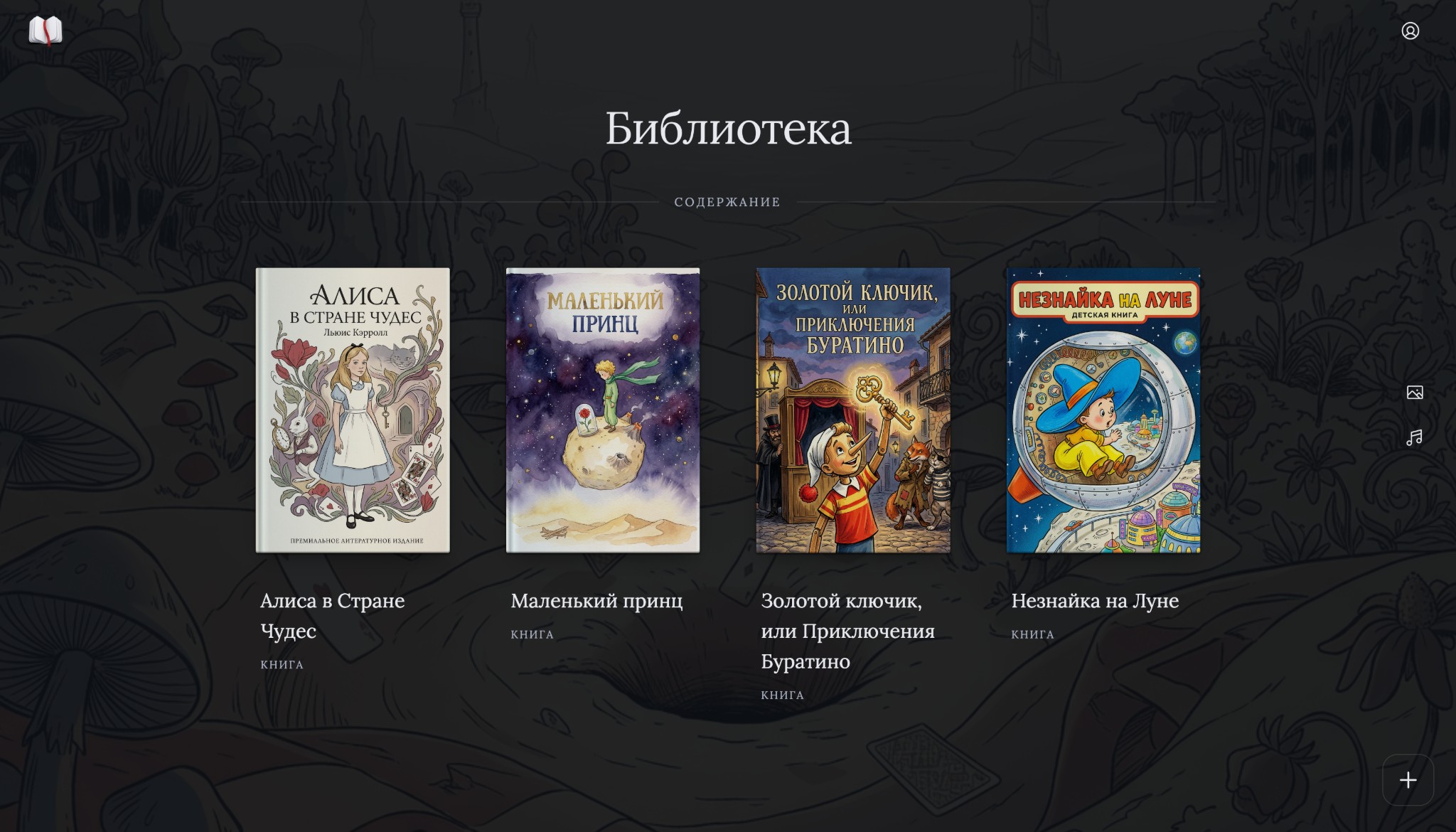
Work with your draft, notes and manuscript structure.
Keep chapters, scenes, characters and notes together. Switch between the text and supporting material.
Use the relationship map and event timeline to keep track of characters and the order of events.
Choose a font and background, hide panels or add sounds. You can leave just the text on screen.
ZenWriter is designed for longer work where you need an outline and supporting material alongside the manuscript.
Organise chapters and scenes, and keep track of characters and their relationships.
Work on episodes and keep character notes beside your draft.
Keep sources, notes and terminology with the text they relate to.
Your book, supporting material and workspace.
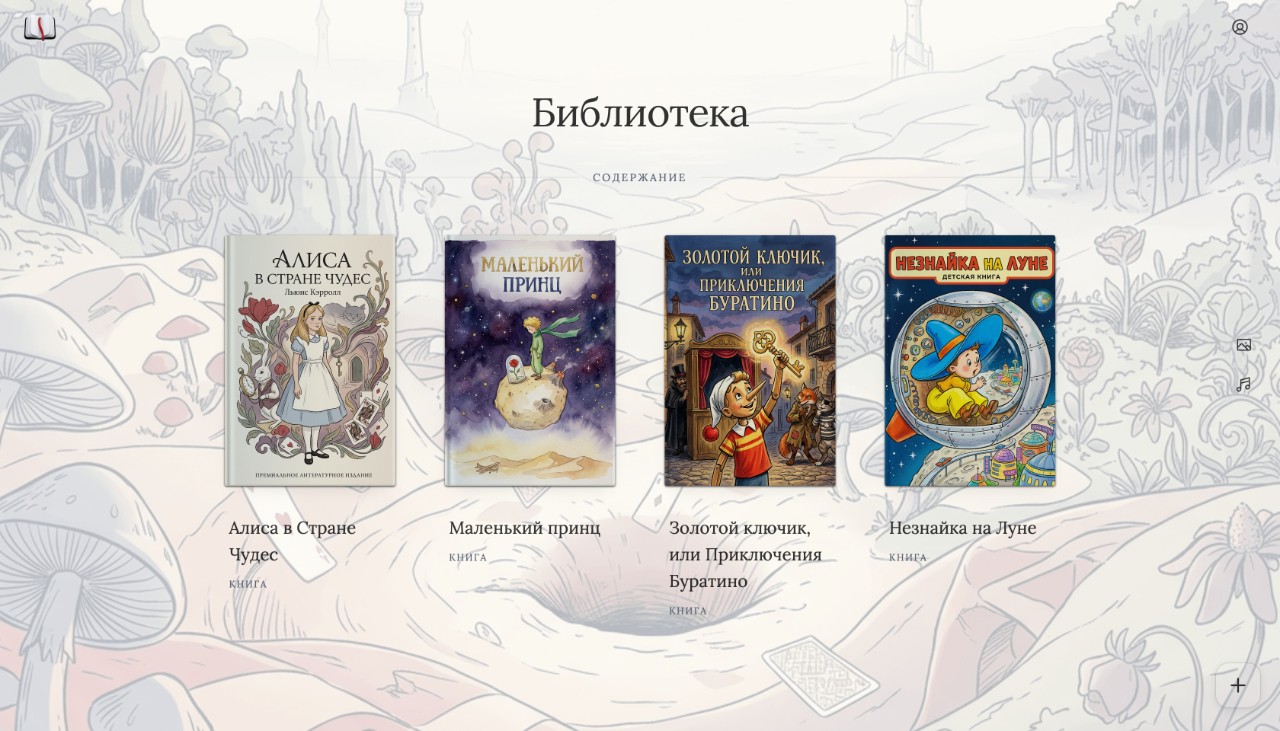
Set the title, type, genre and description of your book. A genre profile suggests relevant tools. The outline, text and properties open side by side.
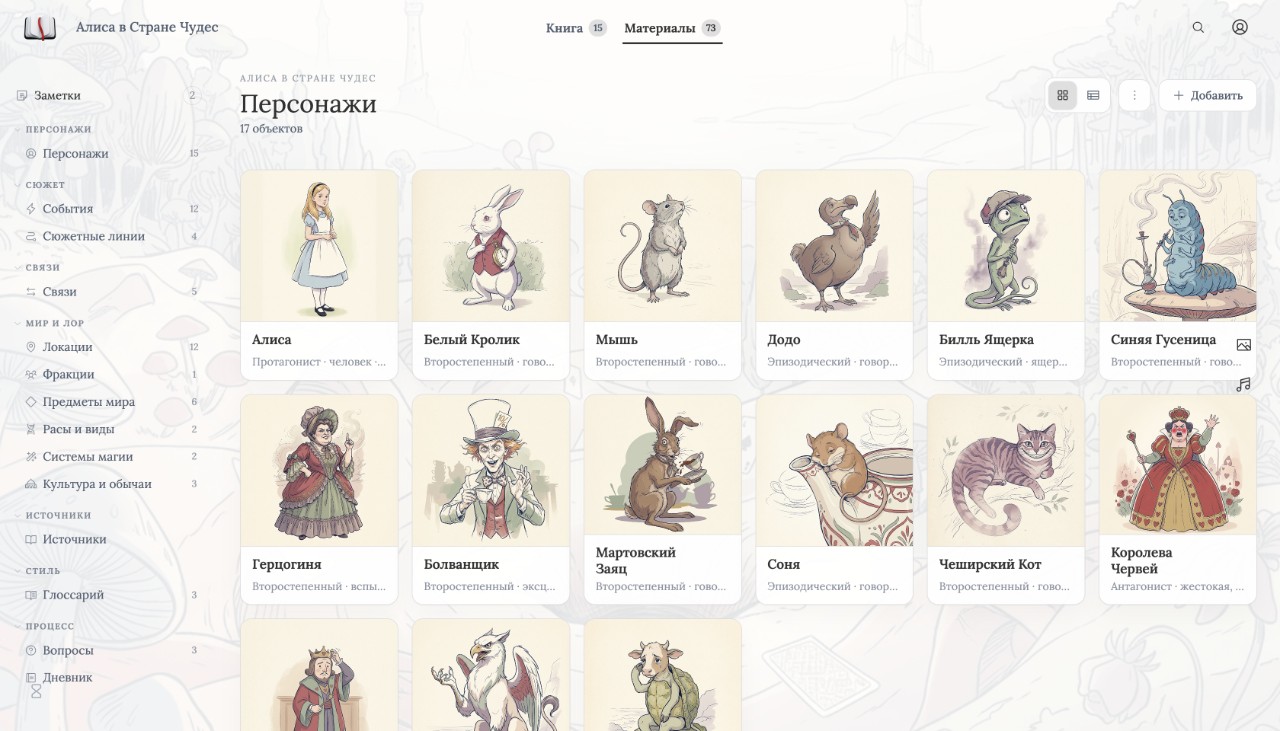
Create cards for characters, places, events and sources. Mention a character with @name to open their card from the text.
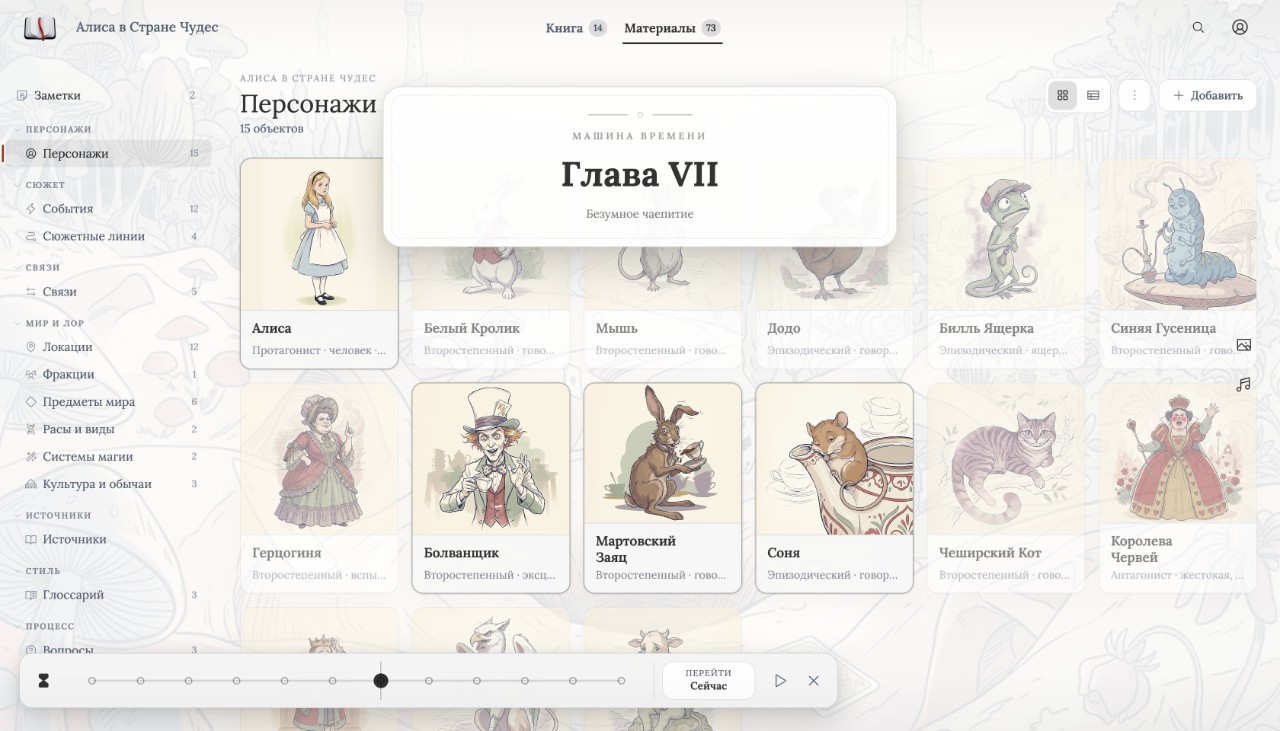
Move the slider along the event timeline to see cards at that point in the story. Who was the hero before the war? Who owned the castle in chapter three?
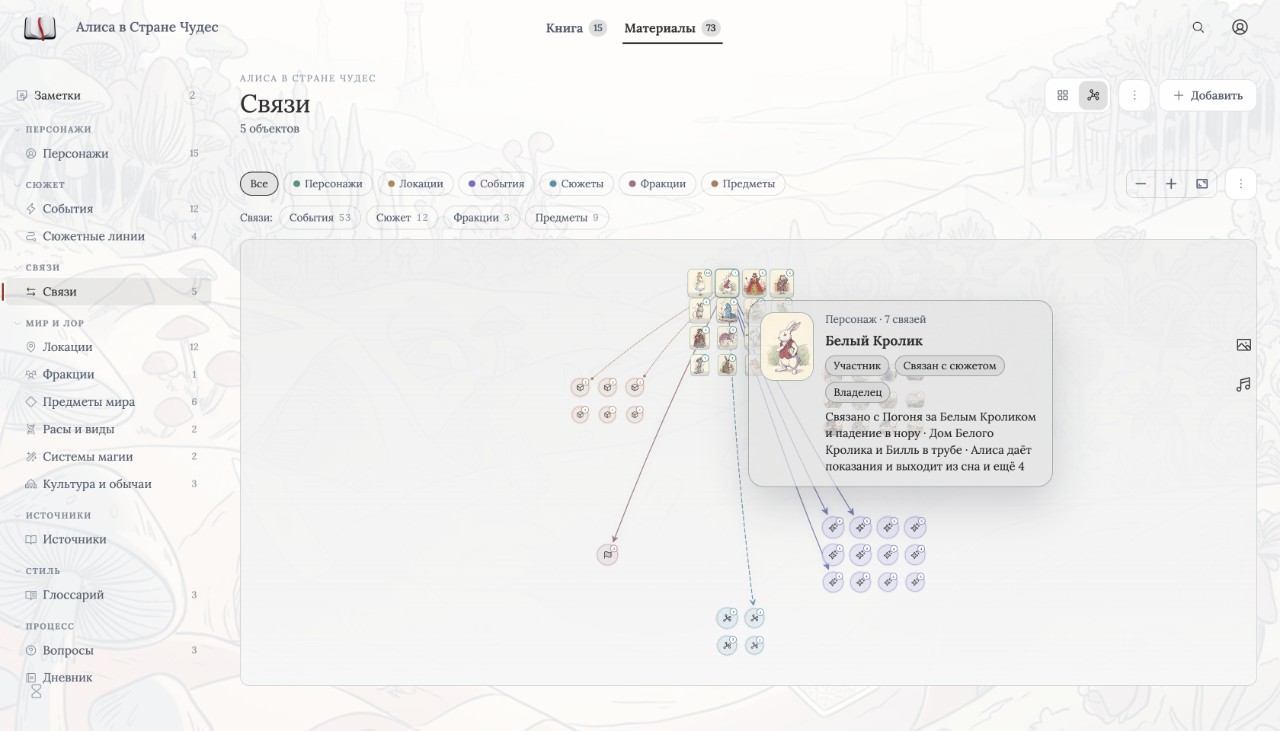
The relationship map shows connections between characters. Other materials have their own views: a timeline, location tree, clue board and a table of who knows what.
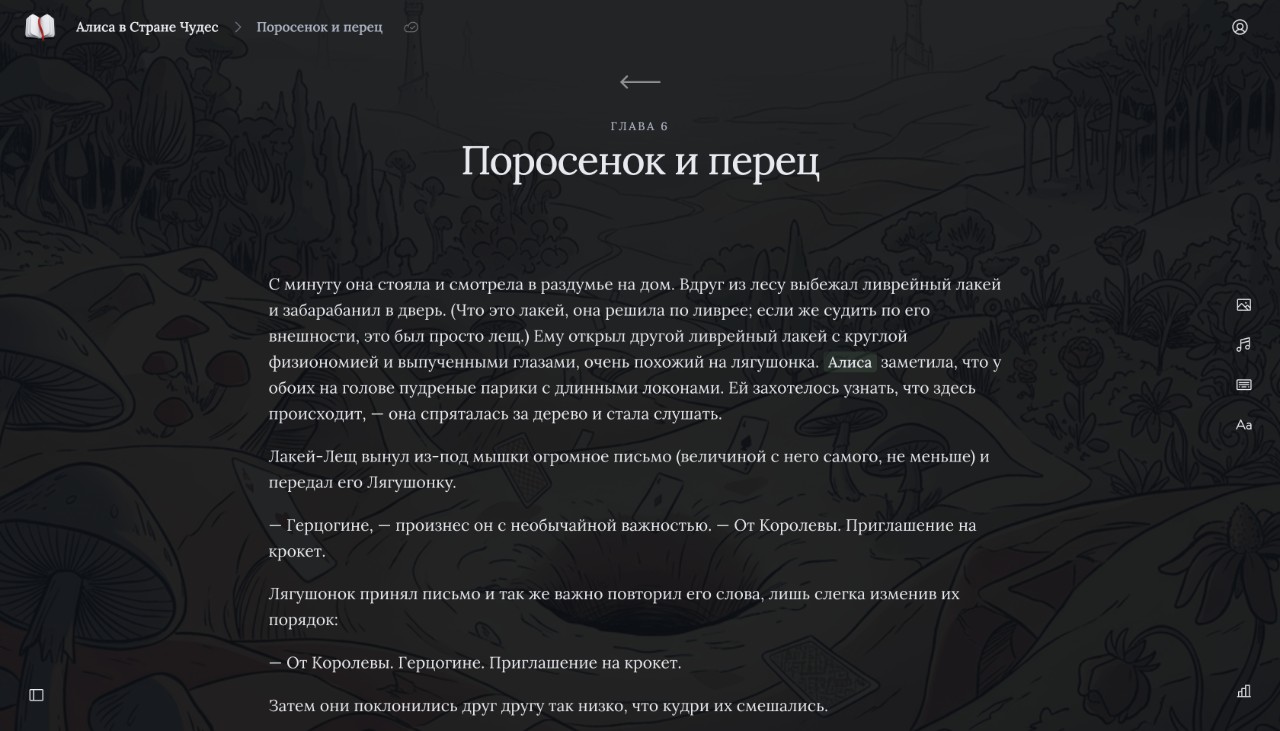
Hide panels or highlight the current paragraph. Choose a font and background, add music or typing sounds. Set a daily word goal while working on a draft.
A formatting toolbar appears when you select text. Open character cards beside your manuscript through @mentions. Text replacement helps with quotes and dashes.
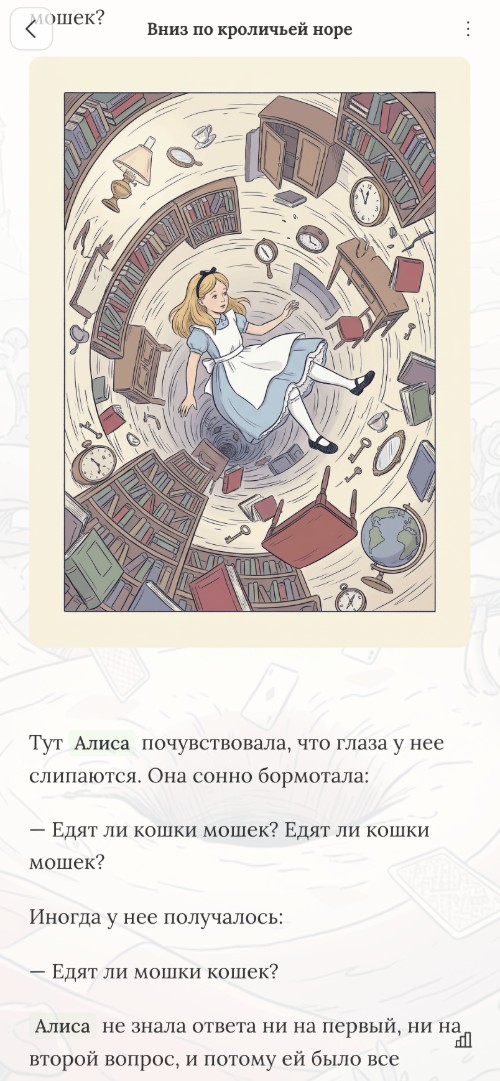
The web app is available on computers, tablets and phones. Switch between the manuscript and supporting materials. Subscription and Lifetime include sync across devices.
Try it free for 15 days, without a card. Then choose the access you need.
Web version + Windows app. Sync across devices. All updates included.
A perpetual Windows license for one user, without cloud sync. Signing in and checking access require internet access.
Lifetime access to ZenWriter: the web app, Windows, cloud sync and updates.
Subscription and Lifetime include the web app and sync. App Purchase is for Windows, without cloud sync. Signing in and access checks require an internet connection.
Full functionality for 15 days. No card required.
| Feature | Subscription | App Purchase | Lifetime |
|---|---|---|---|
| Web app | |||
| Windows app | |||
| Cloud sync | |||
| Full-screen mode | |||
| Themes, backgrounds, typography | |||
| Books with chapters and characters | |||
| Relationship graph and timeline | |||
| Sounds, music, typing | |||
| Export DOCX, HTML, TXT, ZIP | |||
| Import DOCX, TXT | |||
| Local Windows documents work offline | |||
| Edit without subscription | |||
| All updates included | |||
| Price | — /mo | — | — |
Work wherever you are
Open ZenWriter to start a book or continue a draft. Free for 15 days.