 Beenokle Dos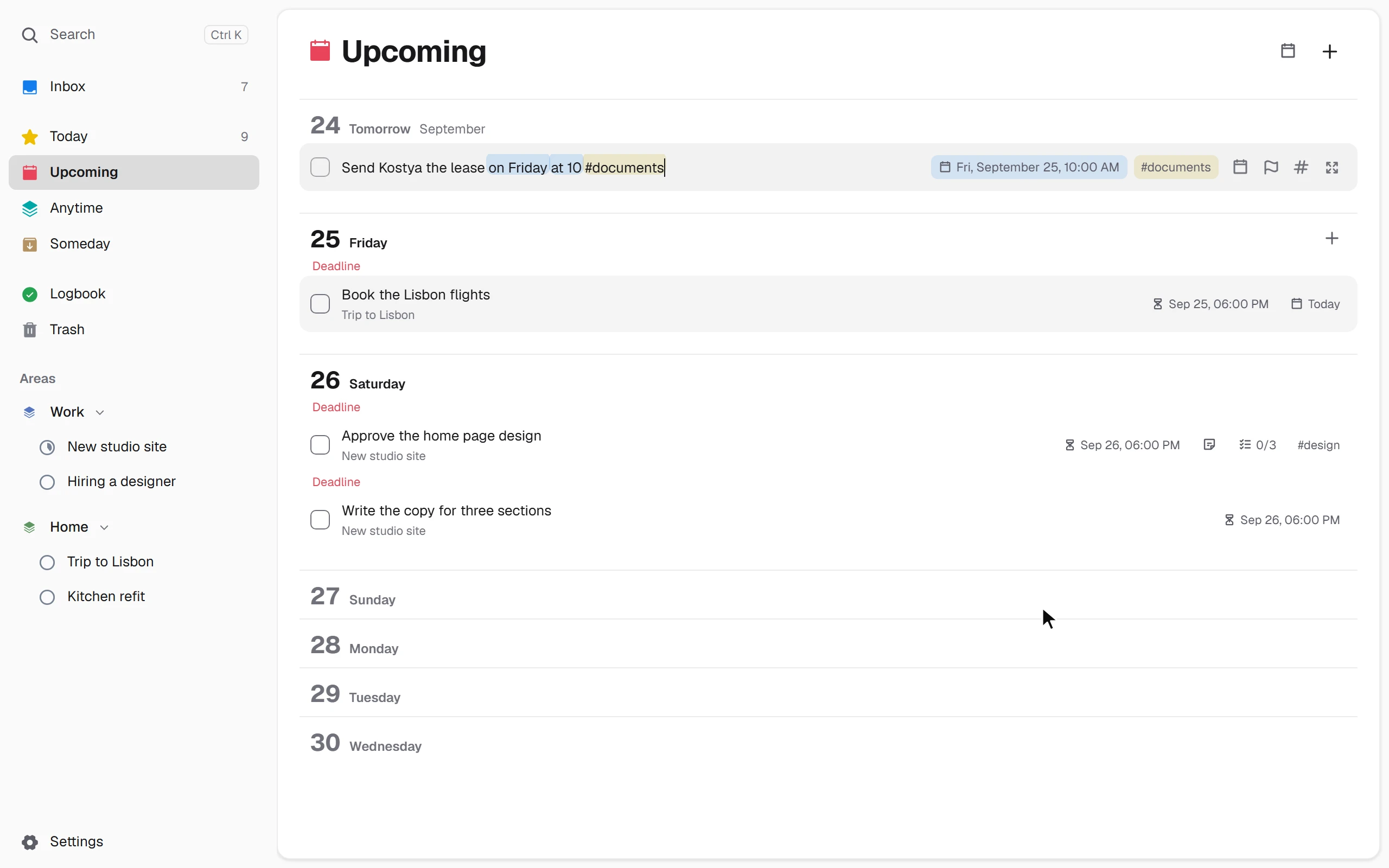
Capture
Write it the way you think
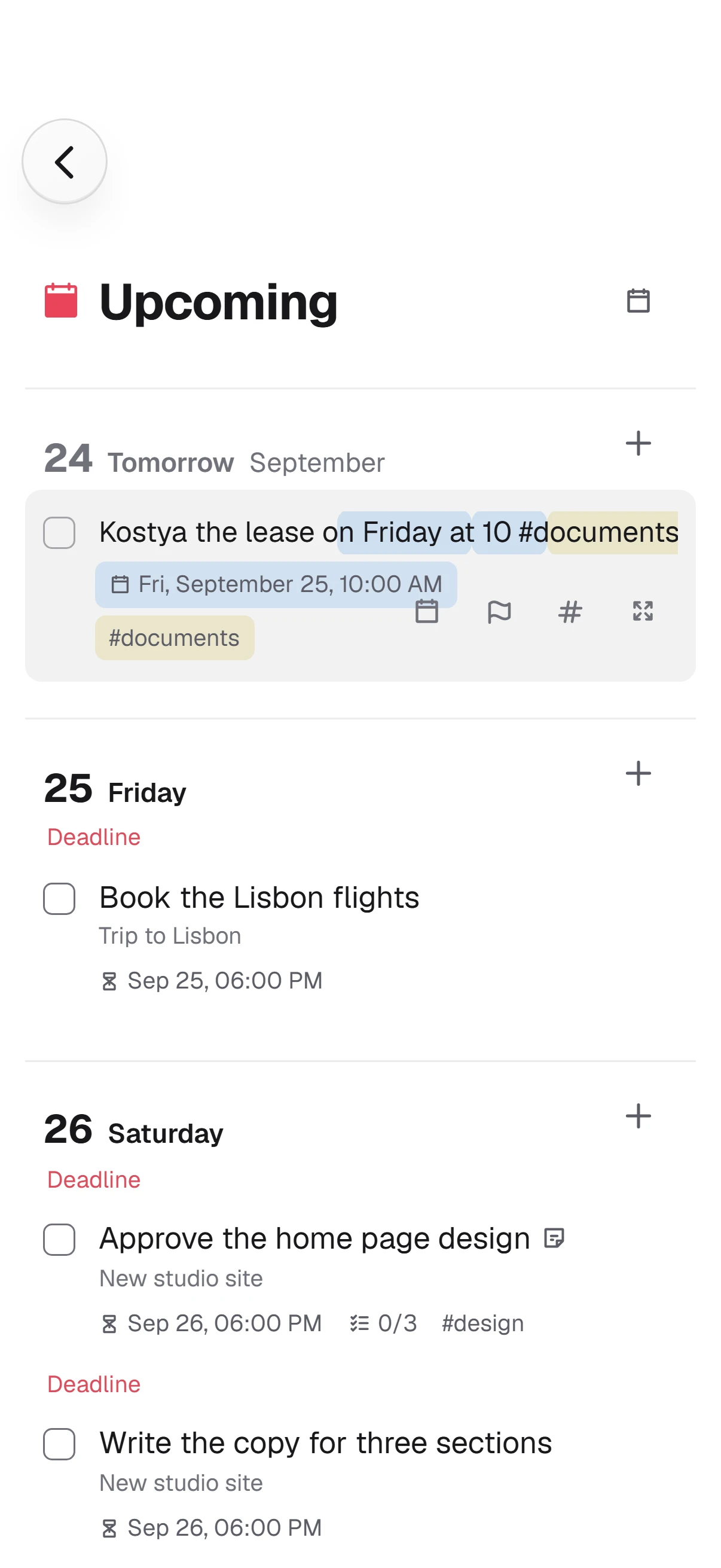
A line like “on Friday at 10 #documents” becomes a task for Friday with a 10:00 reminder and a tag. Dos understands “tomorrow”, “this evening”, “every Monday” and “someday”.
Beenokle Dos
One place for everything you have to do: an inbox, a plan for today and your projects. What can wait waits in its place, out of your way.
In the browser on a computer and a phone, with an app for Windows. Personal tasks are free for good — all you need is a Beenokle account.
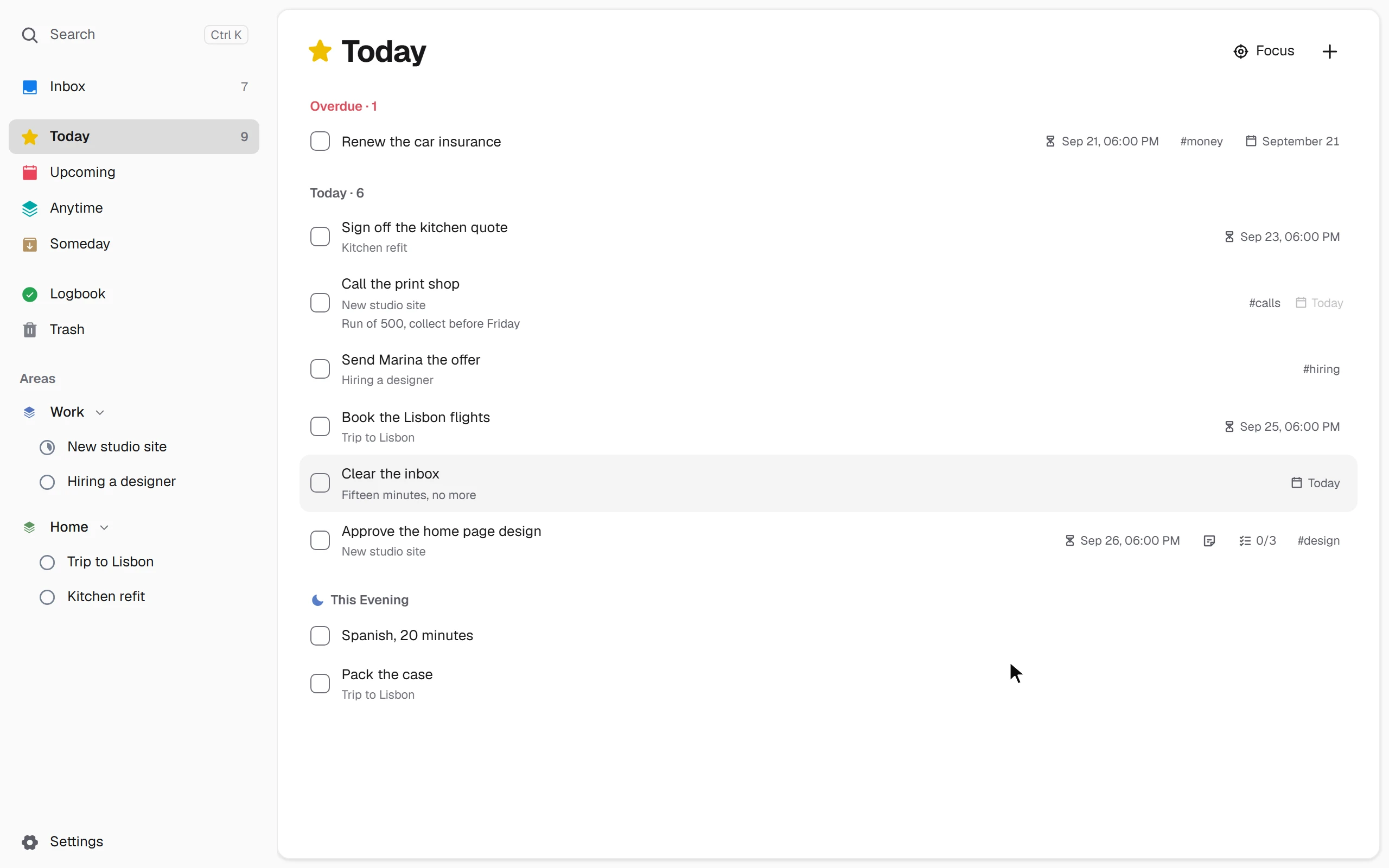
Press N and a new task is written right in the list. Type “this evening” and it is in tonight’s plan.
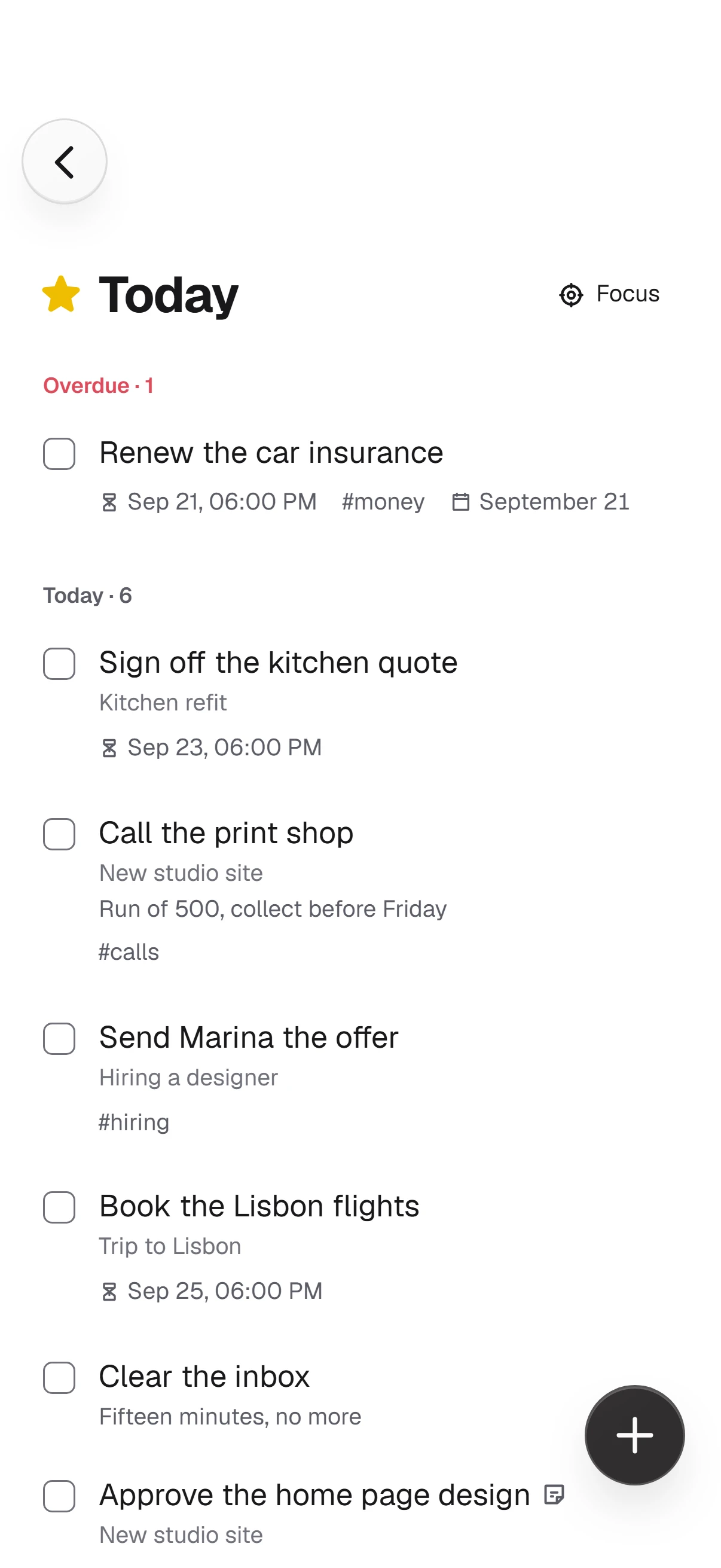
A task you tick leaves the list quietly.
Who it is for
For people whose tasks are scattered across their head, their notes and messages to themselves. Dos gathers them in one calm place: write it down at once, sort it out when it suits you, and see only what matters today.
Already keep your tasks in Todoist? Settings → Data → Import from Todoist brings over projects, sections, subtasks, dates, repeats, priorities and labels.
Capture
A line like “on Friday at 10 #documents” becomes a task for Friday with a 10:00 reminder and a tag. Dos understands “tomorrow”, “this evening”, “every Monday” and “someday”.
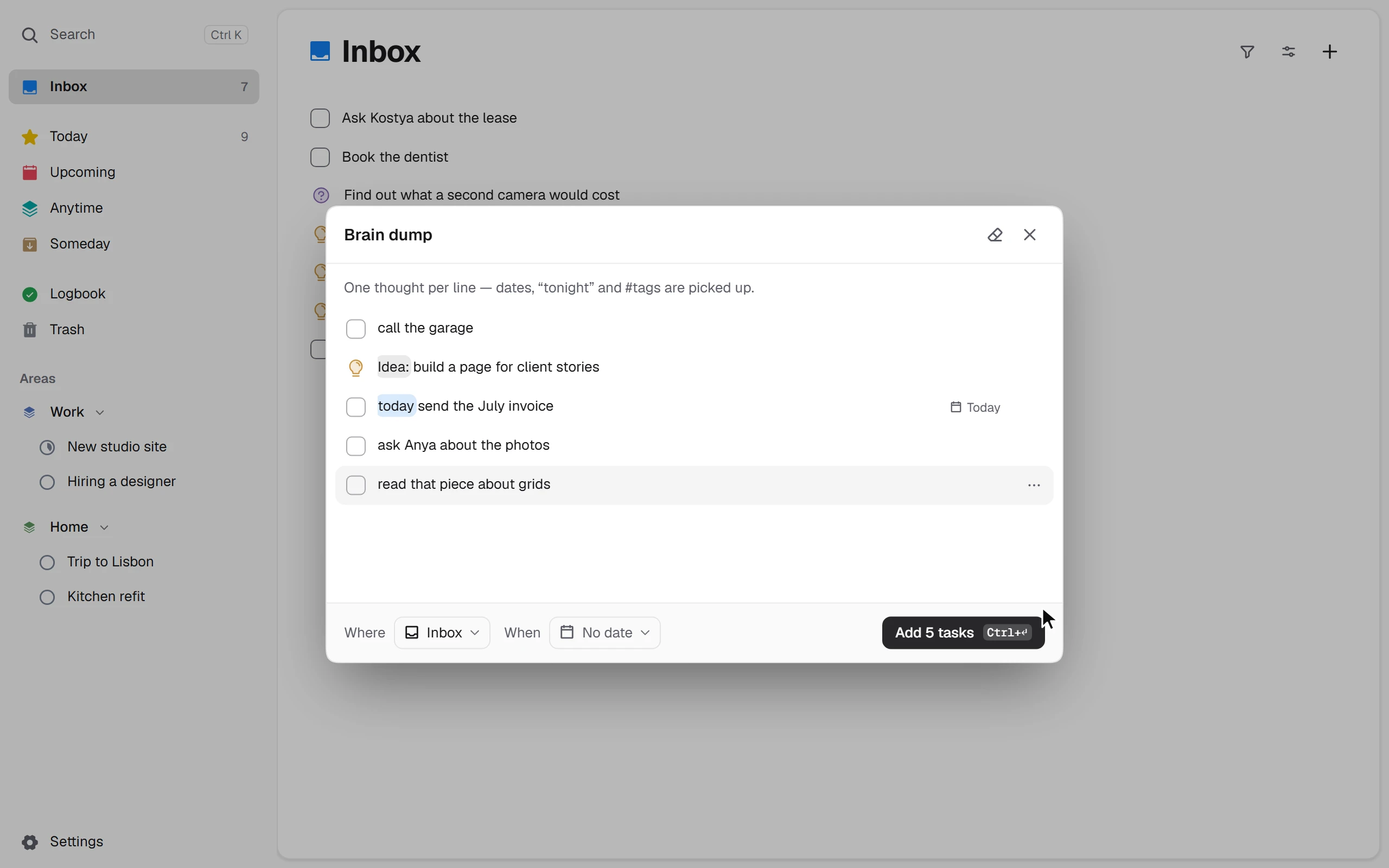
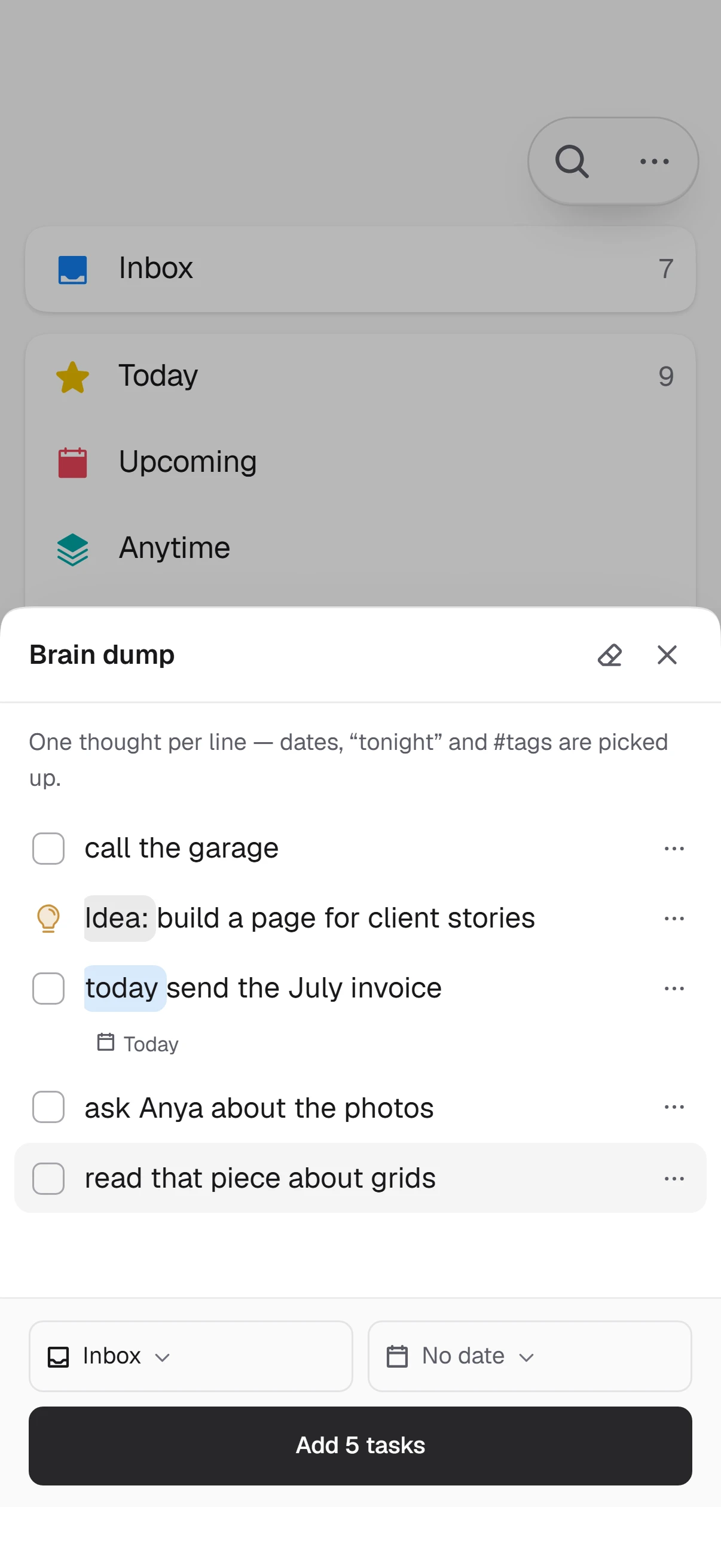
Brain dump
Paste the list of what is on your mind. Each line becomes a task, an idea or a question of its own — sorted by plain rules on your device, not by a neural network.
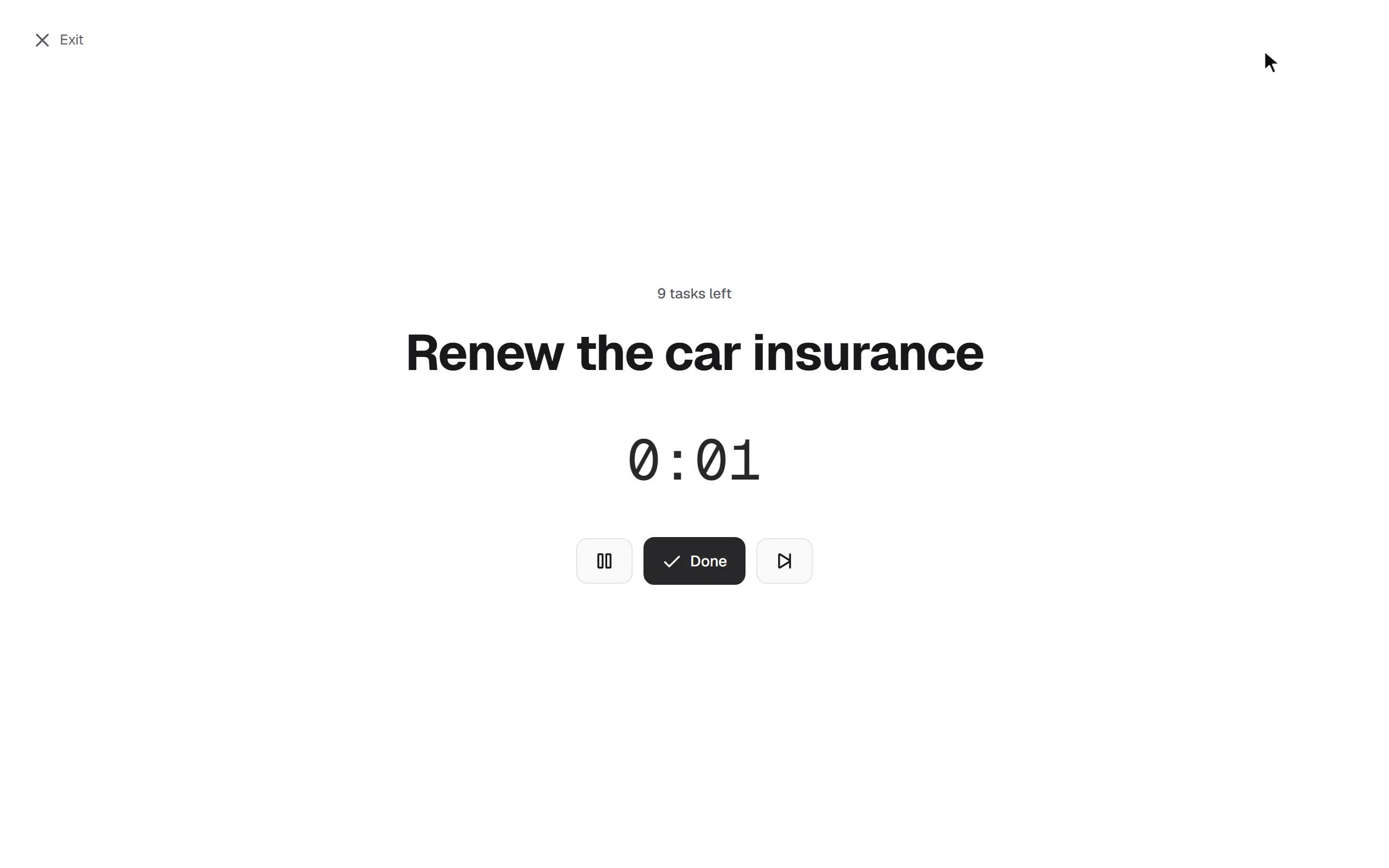
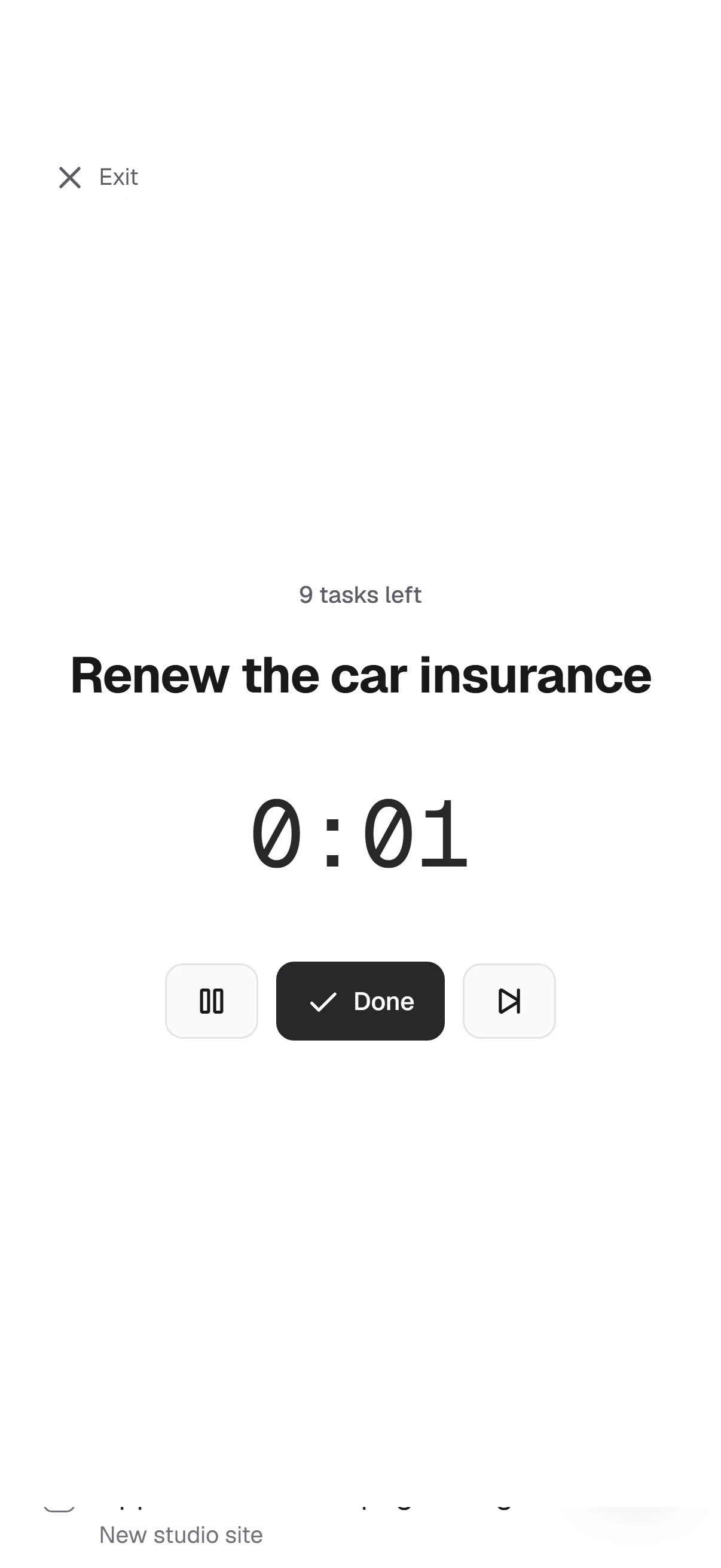
Focus
Only the current task and a quiet timer on the screen. Press Done and the next one from today’s plan appears.
Task page
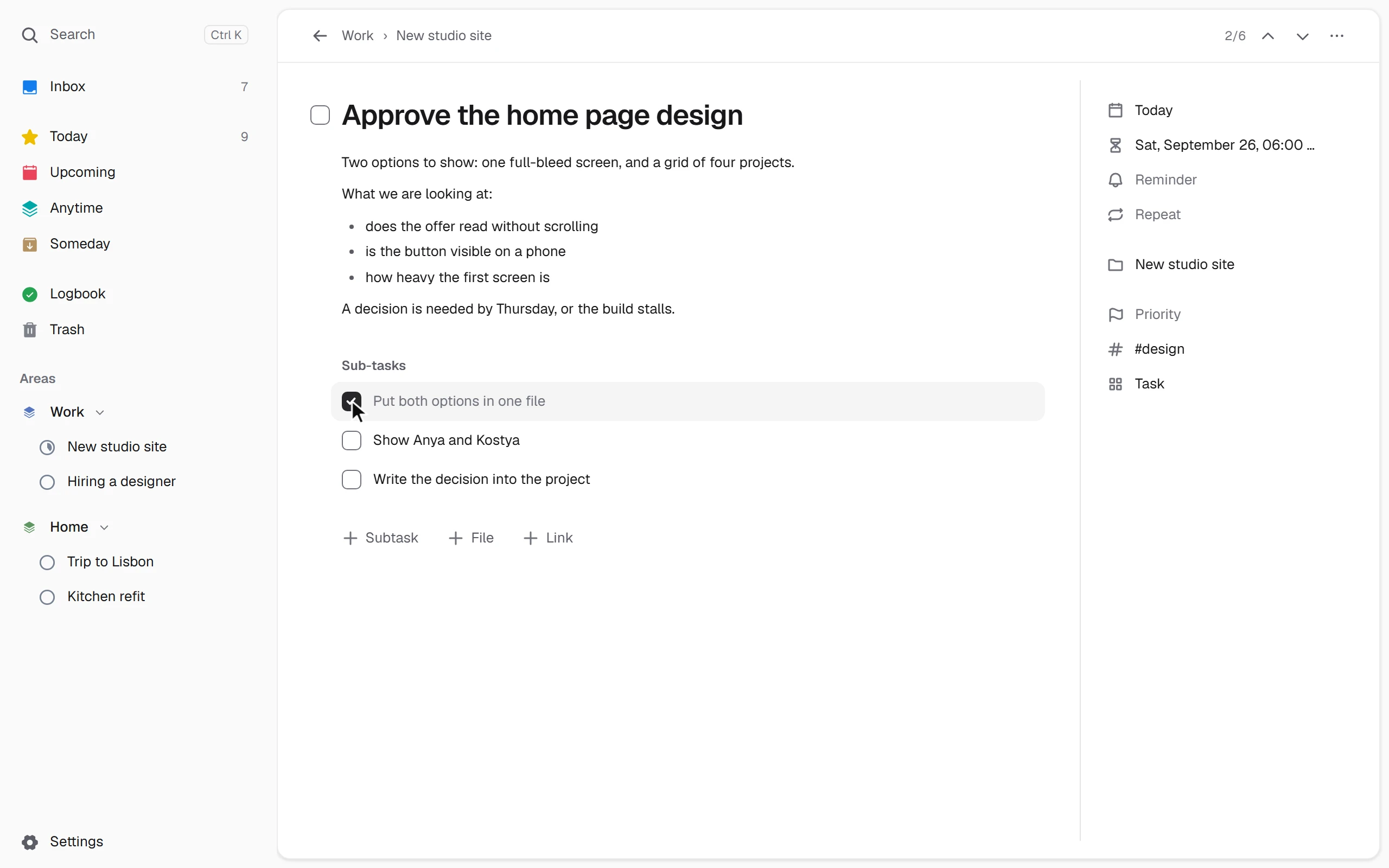
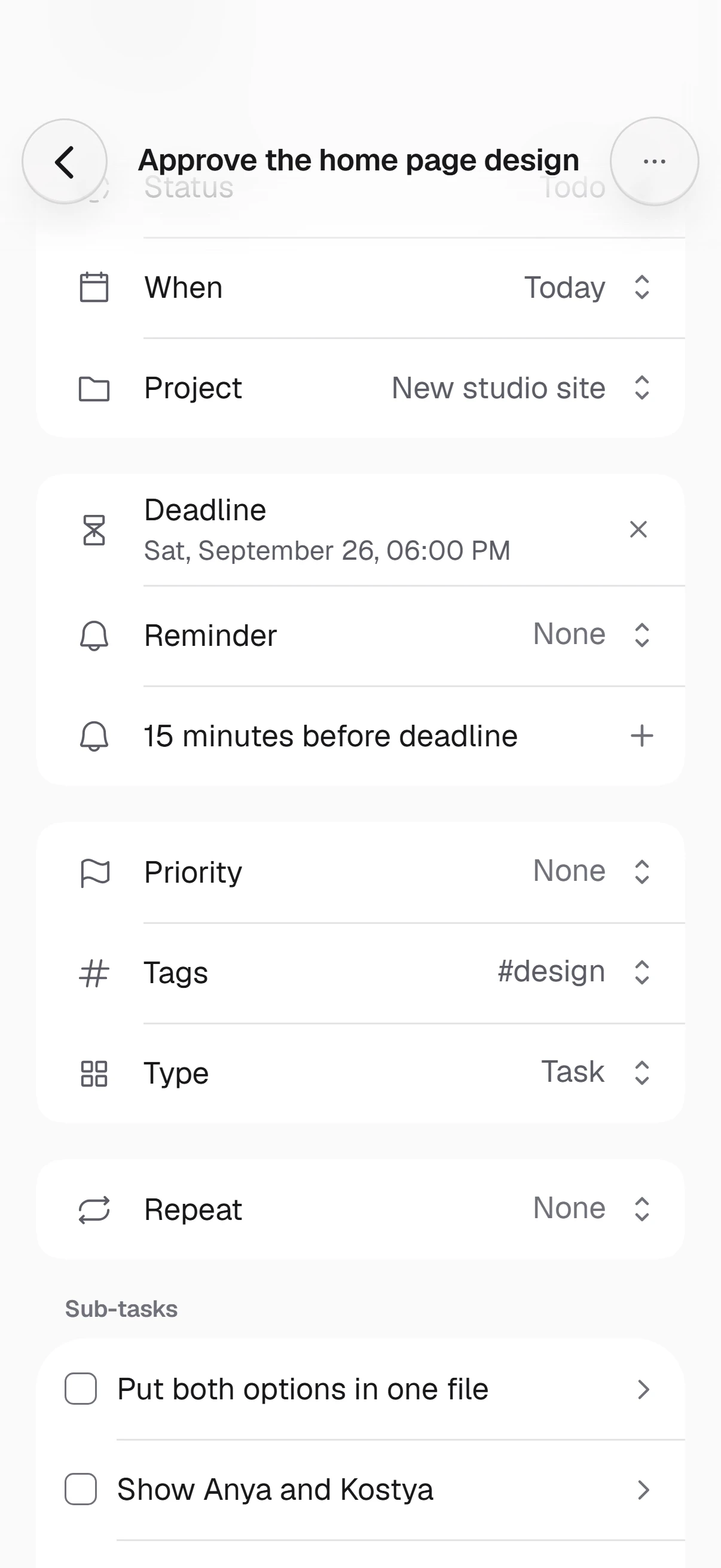
The note, subtasks, deadline and reminder sit next to the task itself. A new subtask is written right in the list.
Search
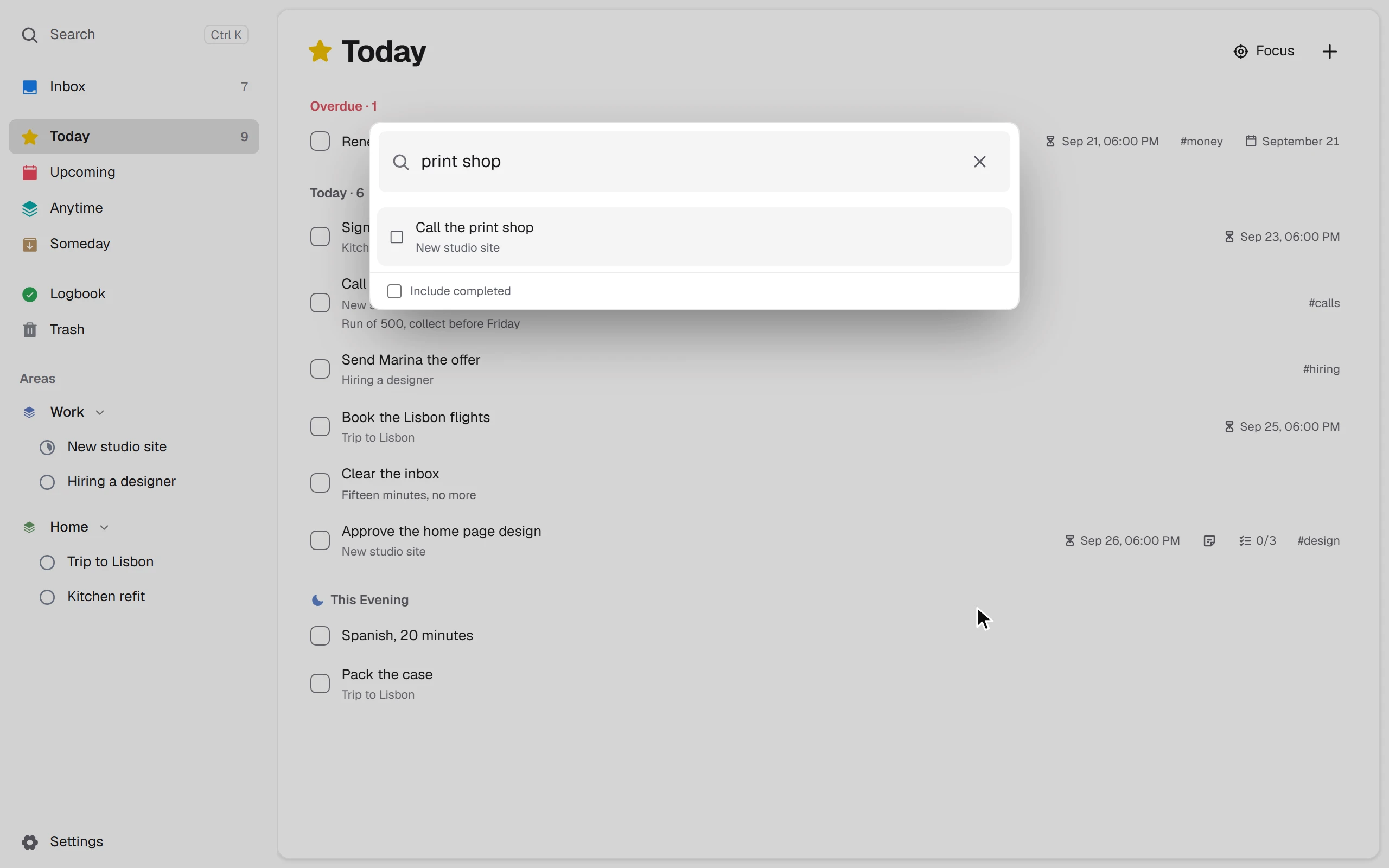
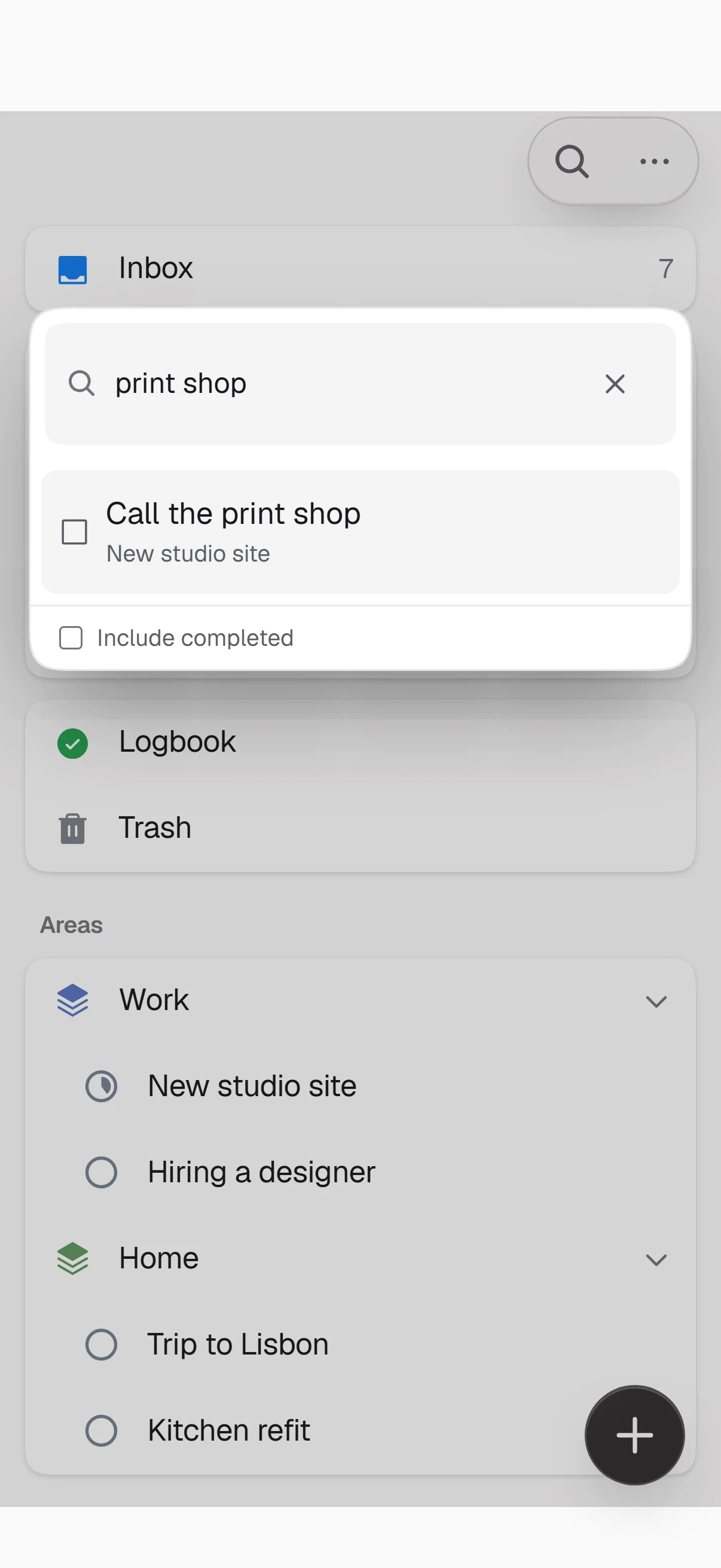
Ctrl+K (⌘K on a Mac) searches tasks, projects and the text of notes — and runs commands.
Projects
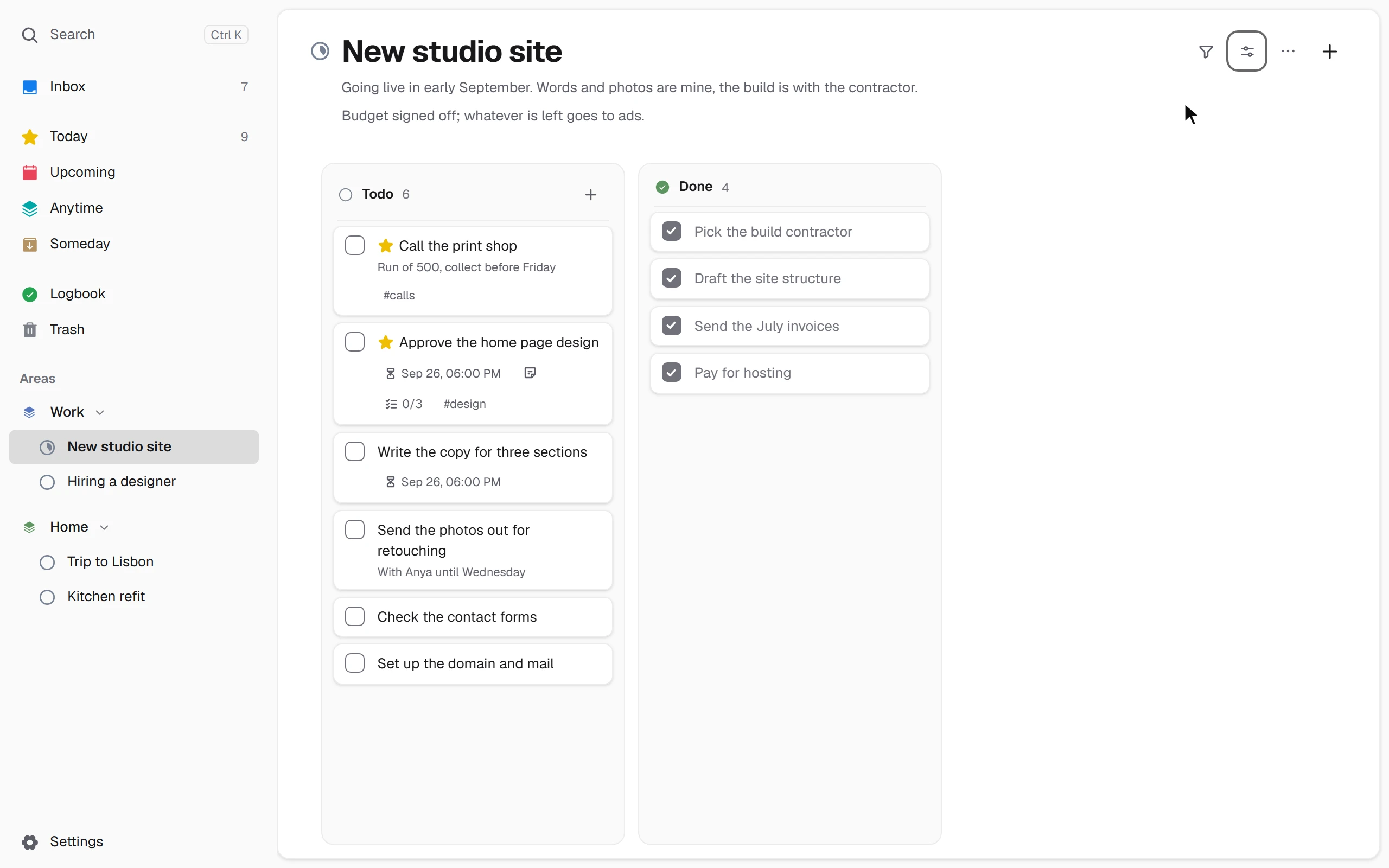
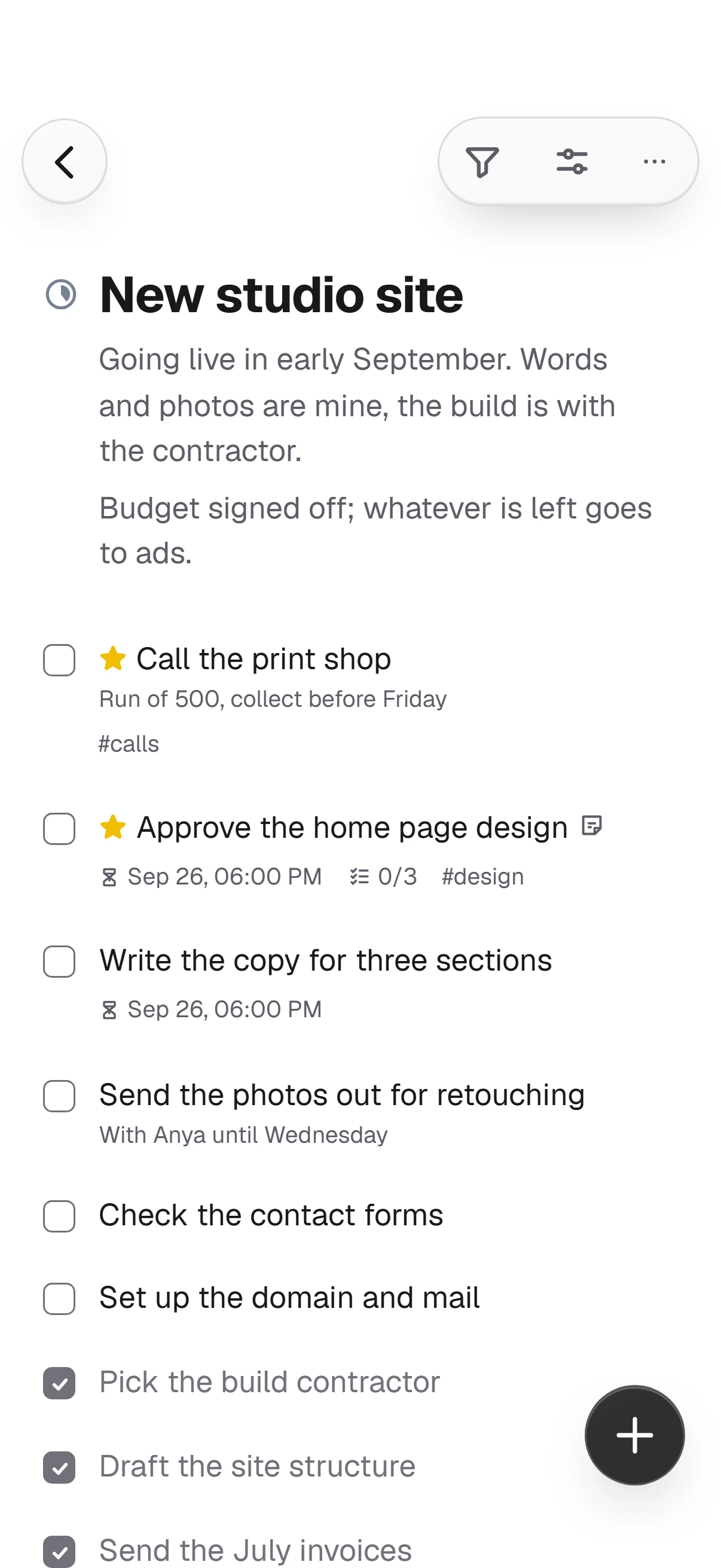
A project’s tasks are grouped by status. Open the same project as a board to see what is in progress and what is done.
On your phone
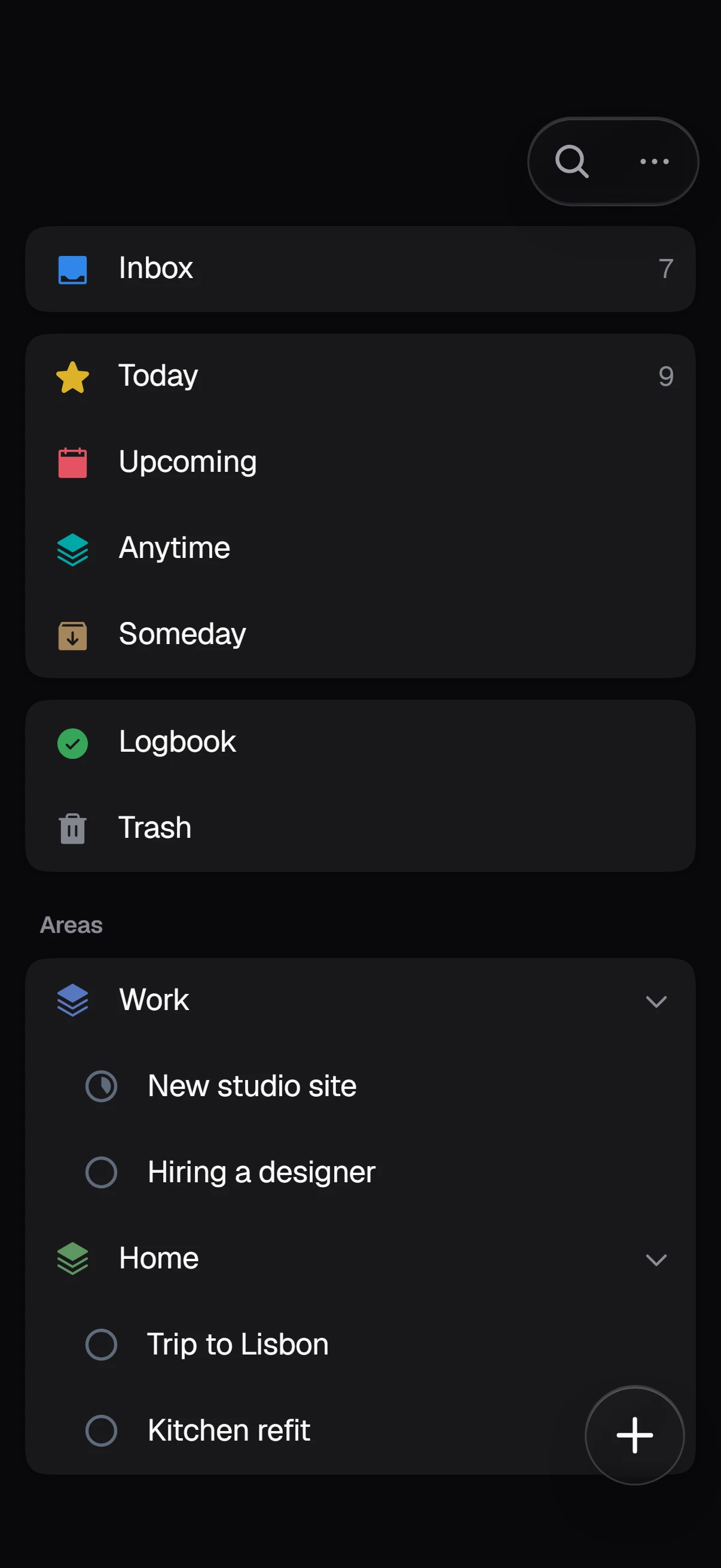
Dos opens in your phone’s browser and can be added to the home screen. Lists, the task page and focus are made for fingers: large rows, sheets from the bottom. On an iPhone, reminders arrive when Dos is added to the home screen.
Dark theme
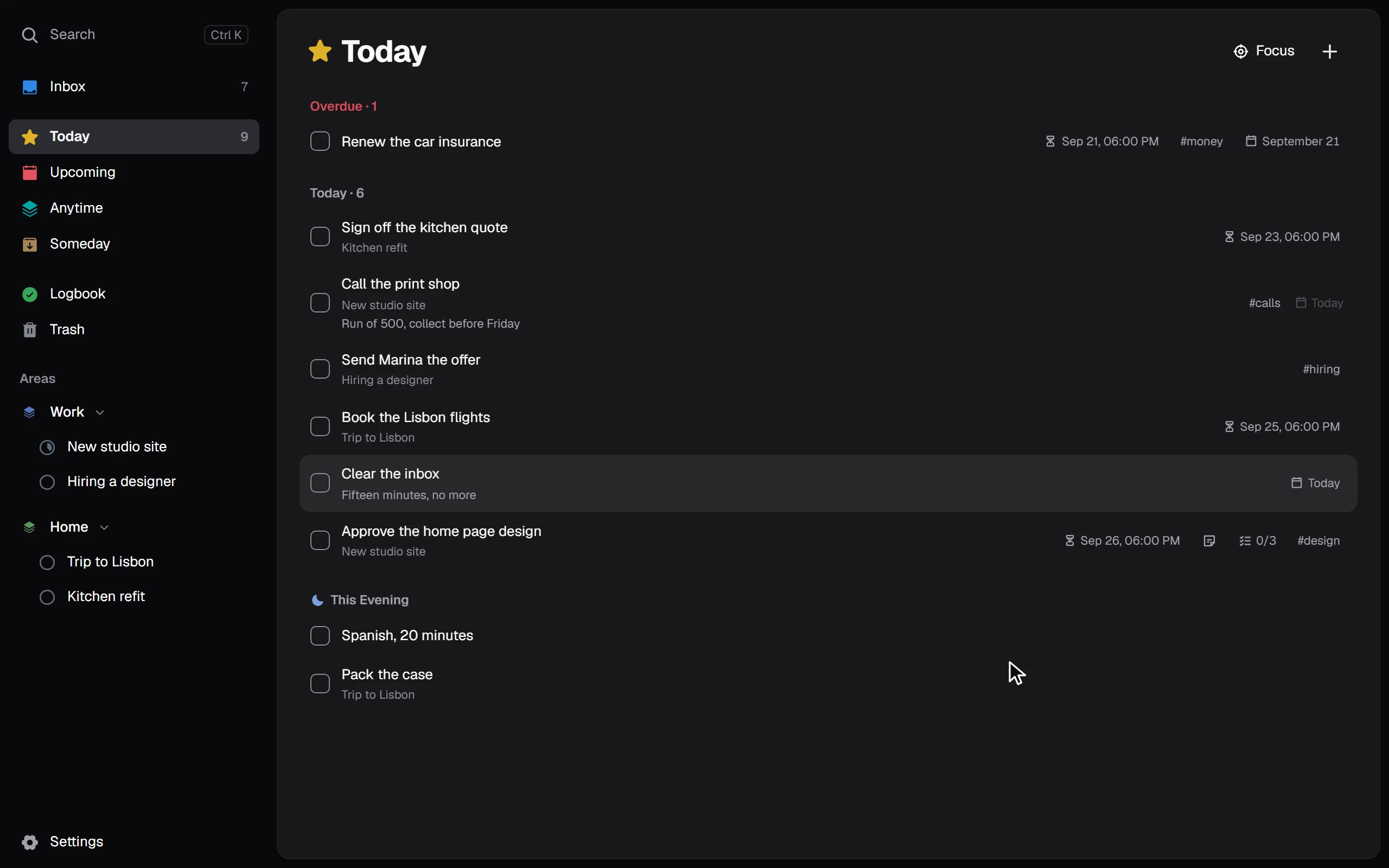
Light and dark themes, an accent colour and the text size are in Settings.
Keyboard
The letters work in any keyboard layout.
Personal tasks and sync are free for good. Files and your own shared lists come with a subscription, and for the first 15 days after sign-up everything is open, with no card required.
Personal tasks and sync across devices. A Beenokle account is required.
Everything in Free, plus files and your own shared lists.
Only until 31 December 2026
One payment instead of a subscription — a launch offer. After 31 December this plan is gone.
For personal use. Future AI features, if they come, are not included.
Windows
An app for a computer with Windows 10 or 11: quick capture with Ctrl+Shift+Space and Windows reminders.
macOS, Linux, iOS and Android — in development.