Beenokle Inspiration

Collect. Find. Arrange.

A library for everything that inspires you: pictures, videos, links, PDFs and notes. Saved in a second, found by a word or a colour, arranged on boards.

In the browser on a computer and a phone. Free to start; all you need is a Beenokle account.
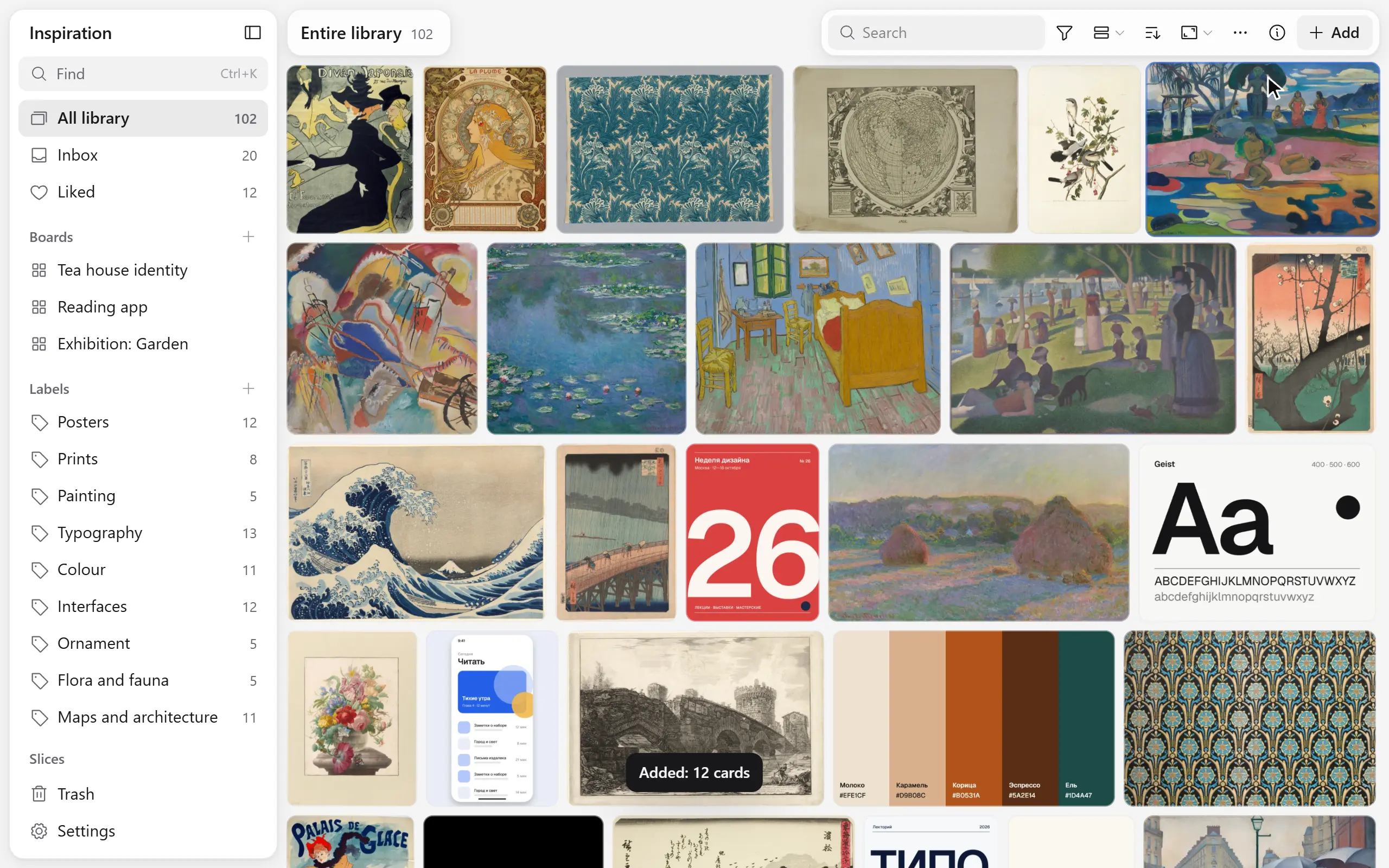
Beenokle Inspiration: pictures gather into a library, a search leaves the right ones, cards are arranged on a board

Files are dropped into the window; a link, some text or a picture is pasted with Ctrl+V.
Beenokle Inspiration: pictures gather into a library, a search leaves the right ones, cards are arranged on a board

Files are dropped into the window; a link, some text or a picture is pasted with Ctrl+V.

Who it is for

For people who collect with their eyes

For designers, illustrators, architects, photographers and anyone whose references are scattered across folders, bookmarks, screenshots and messages to themselves. Inspiration gathers them into one library that is a pleasure to search and a pleasure to think in.

Already collecting in Eagle or in browser bookmarks? Settings → Data: an Eagle library moves over with its folders and tags, bookmarks come in as one file.

A card opens out of the grid to fill the screen, the picture is zoomed and returns to its place

The card

It opens from where it lies

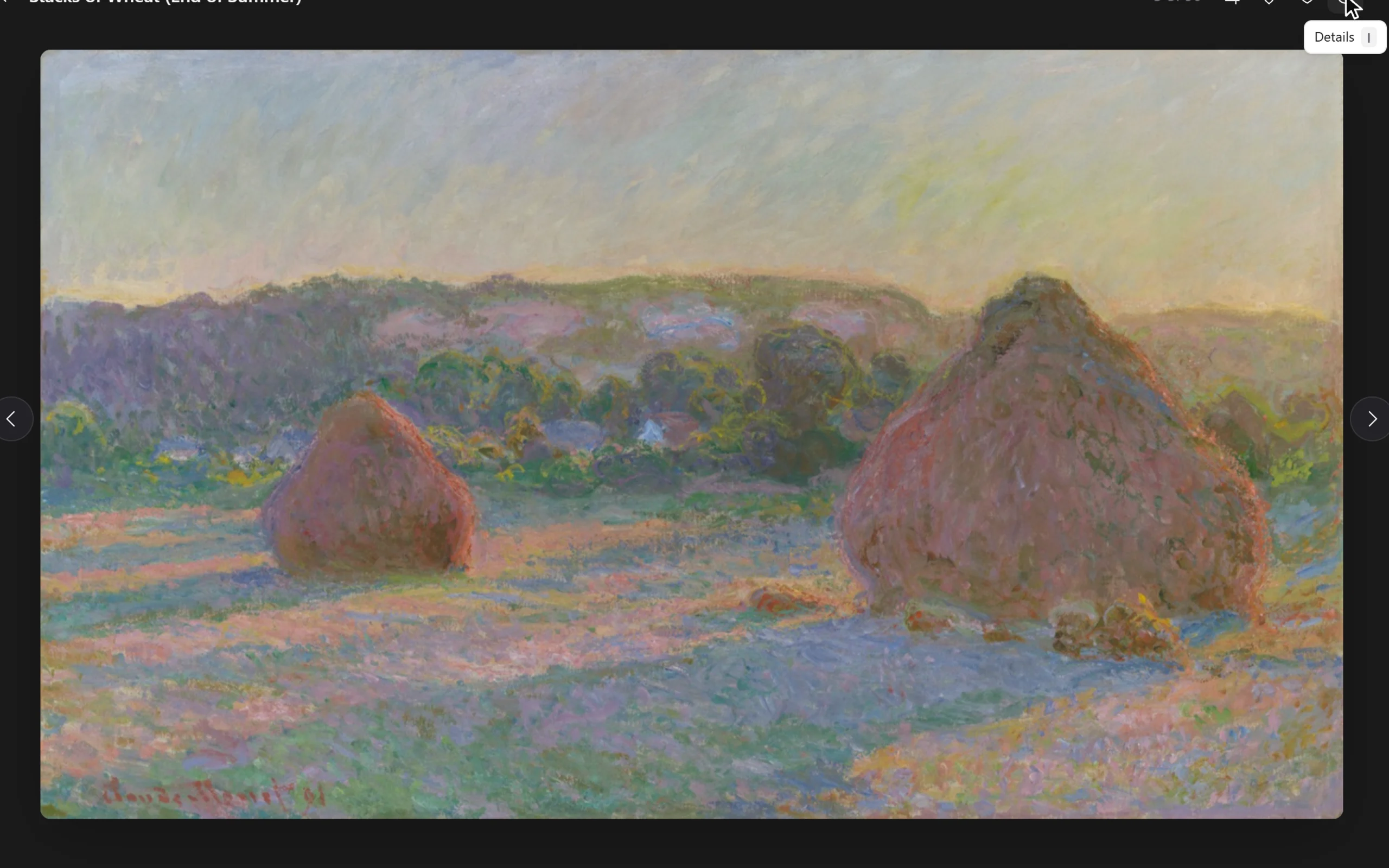
A picture opens out of the grid and goes back to its place. Zoom in to the details, leave a note on the very spot it is about, and take the colours out of it.
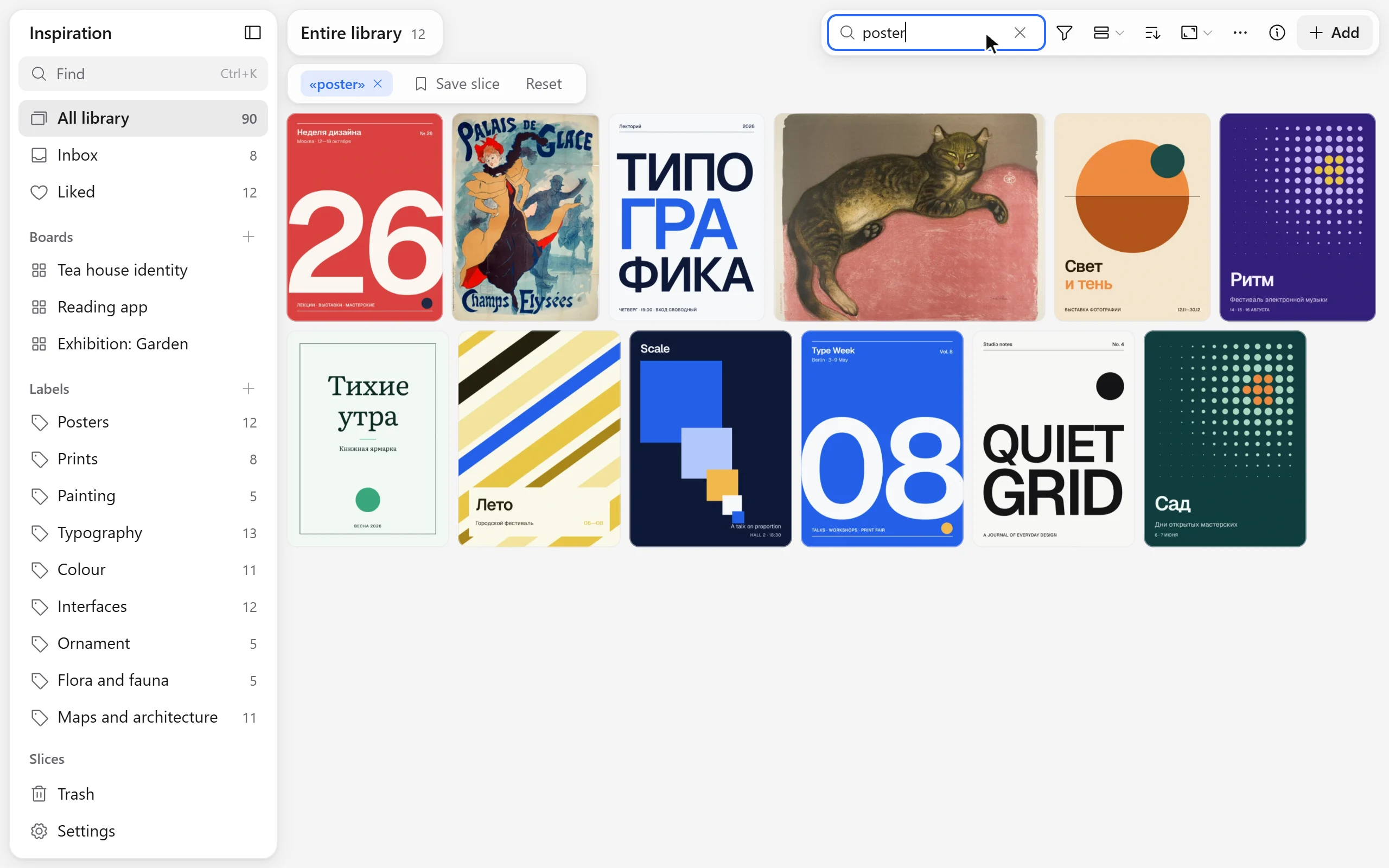
Search by a word and by a colour: the cards rearrange and the matching ones stay

Search

Find the one

A few letters, a colour or a kind — and the library keeps what you need. The order changes in one move: newest, by title, by colour, by rating.
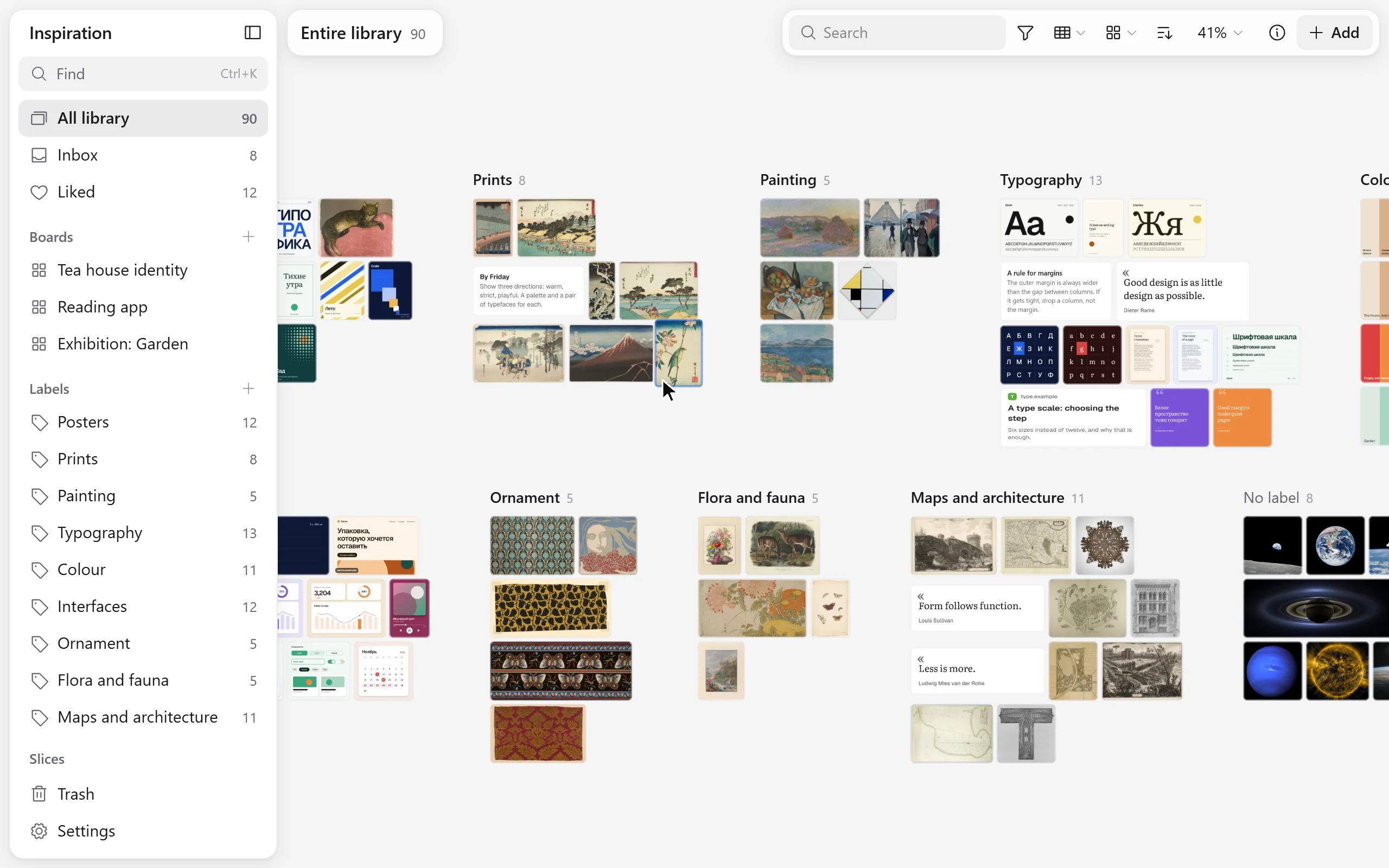
The library switches between a grid, columns, groups and a list

Views

One library, different ways to look

A grid, columns, groups and a list. The same cards are laid out by colour, kind, site, month or your own labels, with nothing moved anywhere.
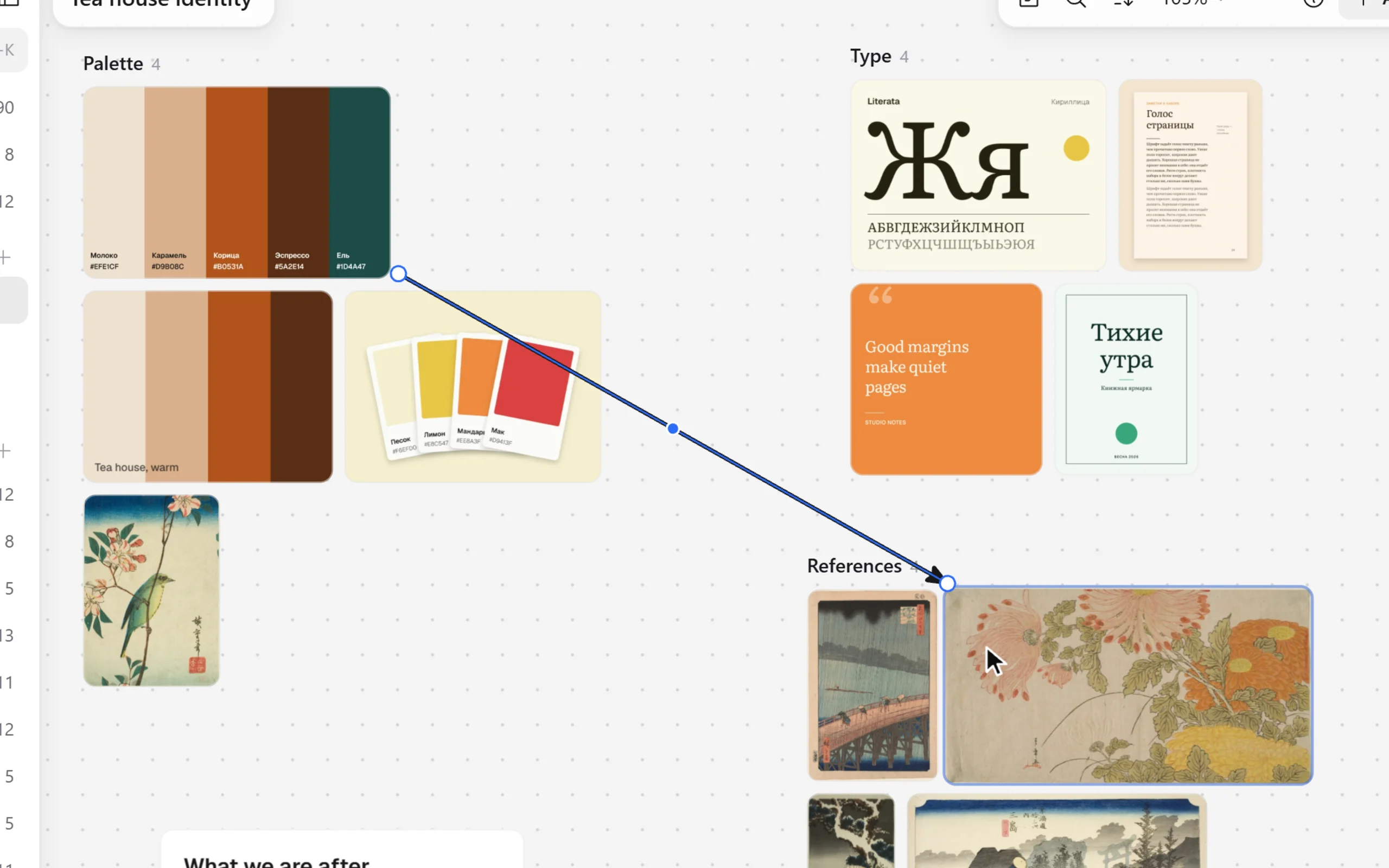
A board: cards are moved, an arrow is drawn between two, a line of text is written beside them

Boards

Think with your hands

On a board the cards lie the way you put them. Draw an arrow between two, write beside them, circle something, gather sections — then export the board as a picture.
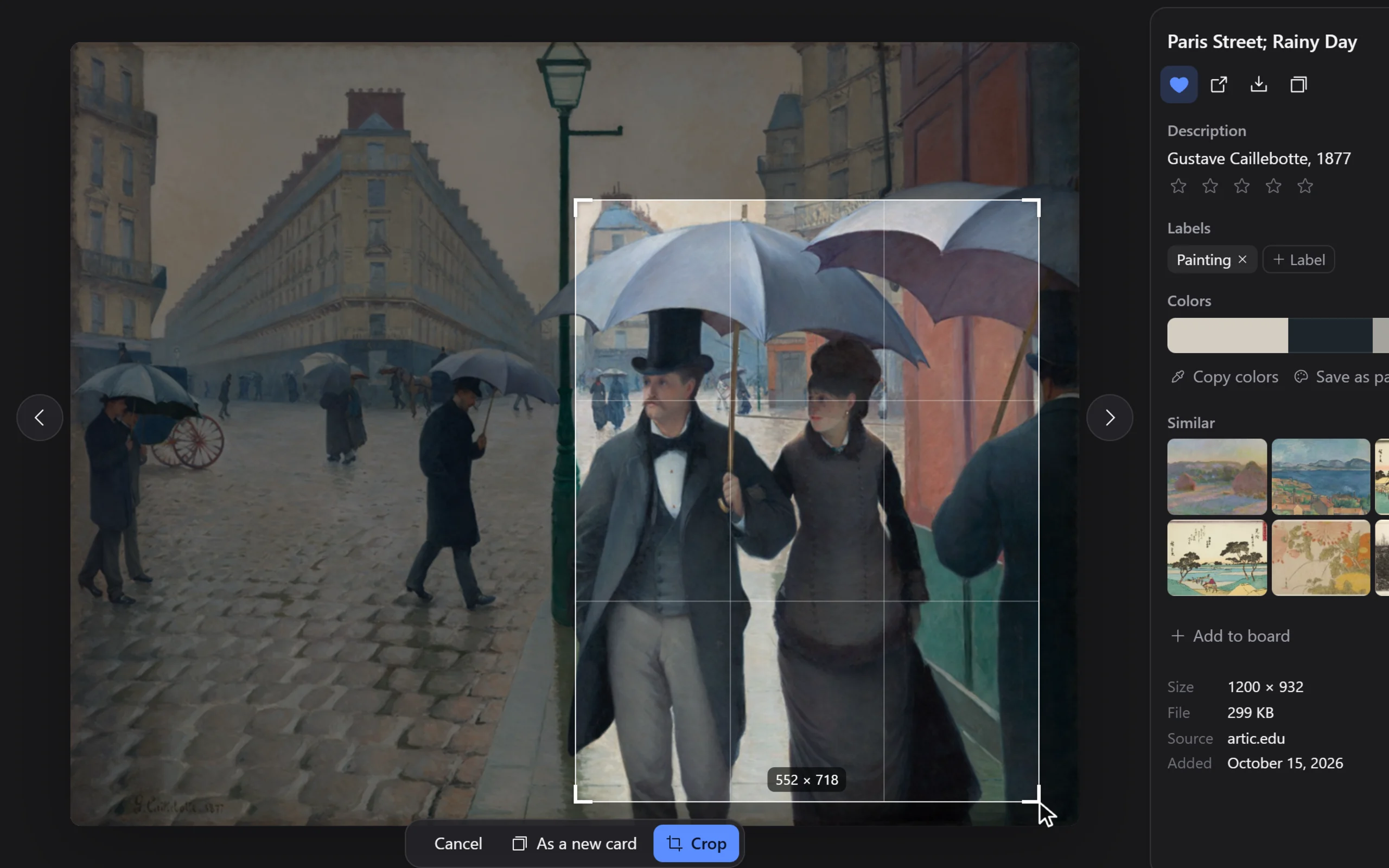
Cropping: a frame is drawn on the picture and the card becomes that part

Cropping

Keep what matters

A picture is cropped right in its card. The original is not lost: bring it back whenever you need it.
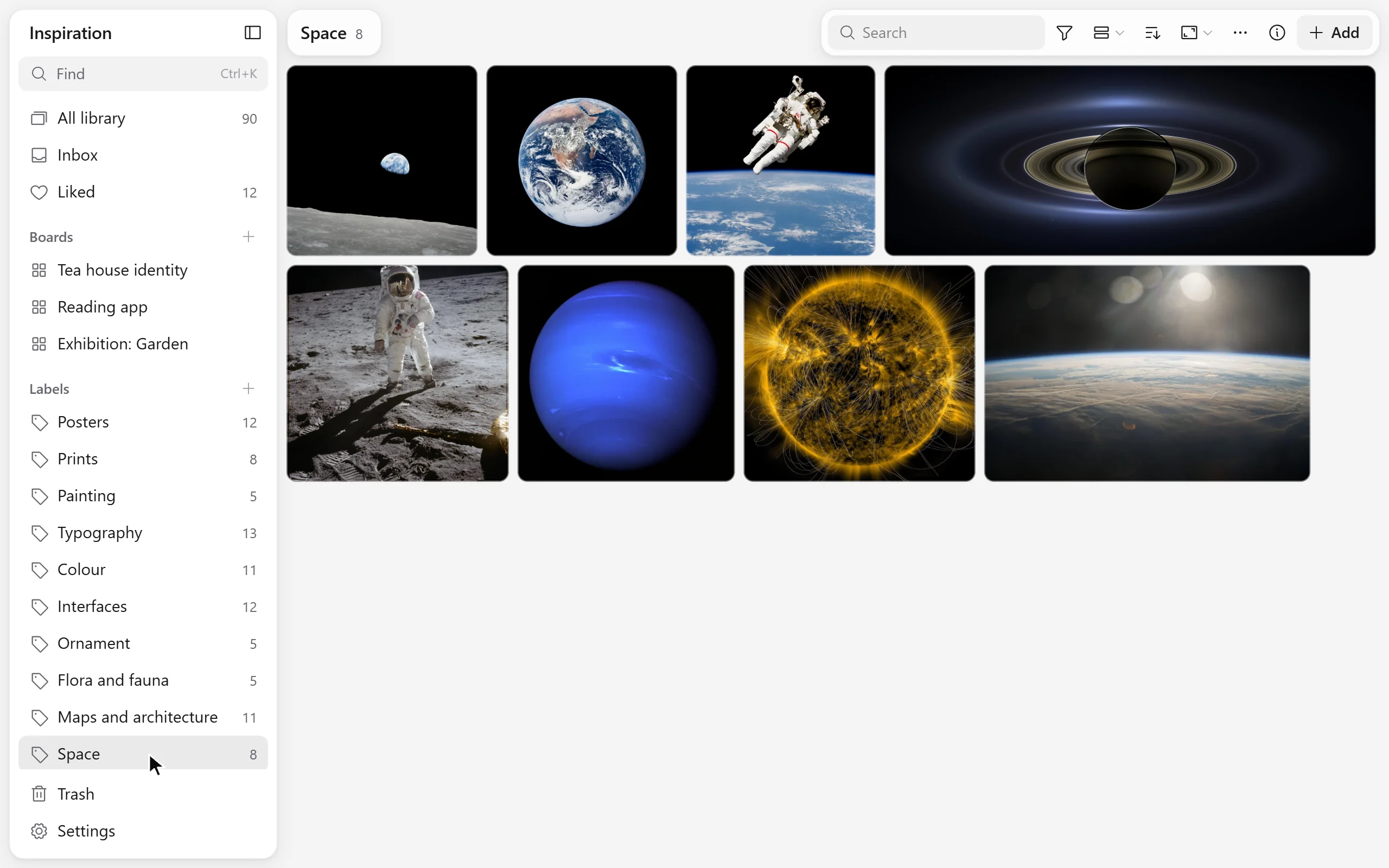
Cards are given a label, and the label opens with all of its cards

Labels

Labels instead of folders

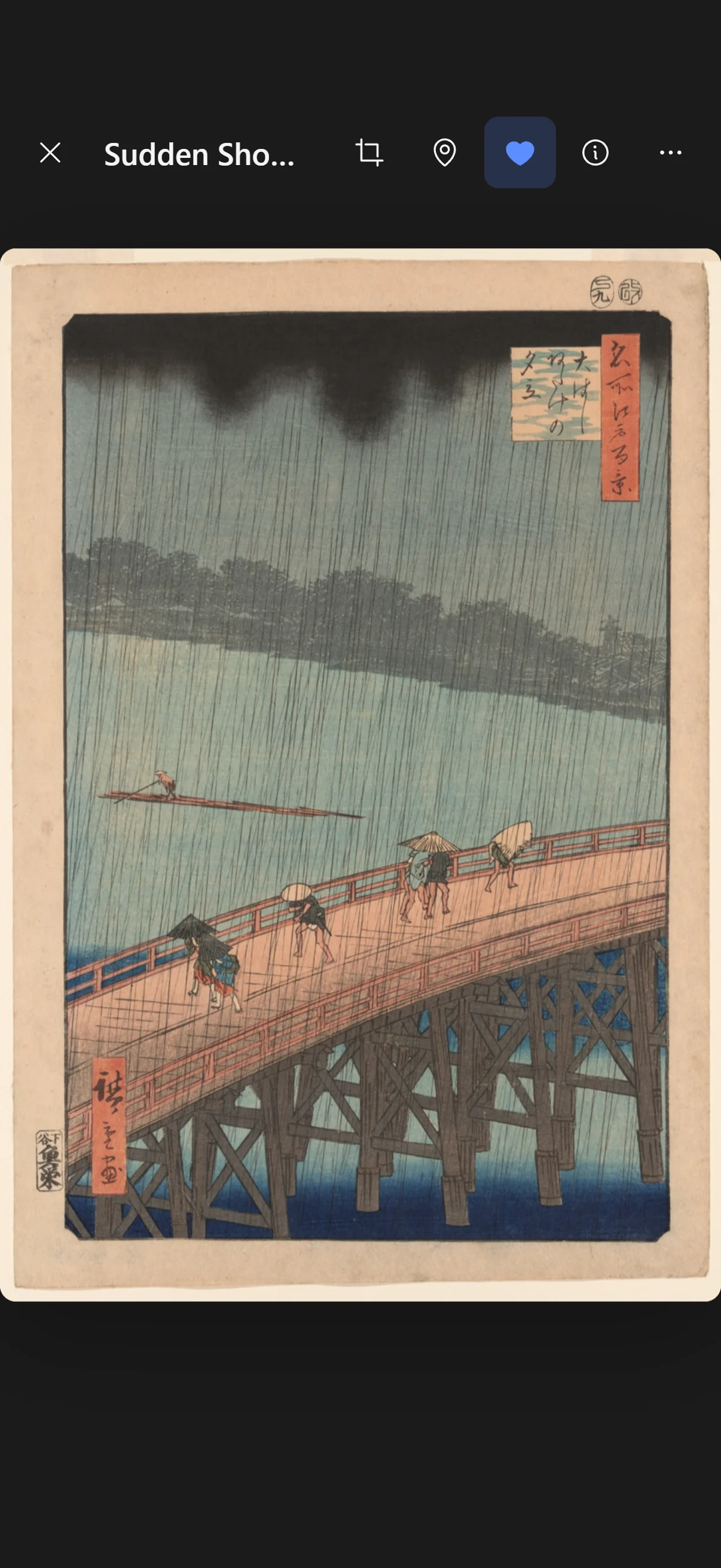
A card lives in the library once and has as many labels as you like: a project, a client, a mood. Labels nest inside each other, and a saved slice opens the set you need in one press.

What is saved

Everything that inspires

Not only pictures. Each thing has a card of its own, and they all live in one library.
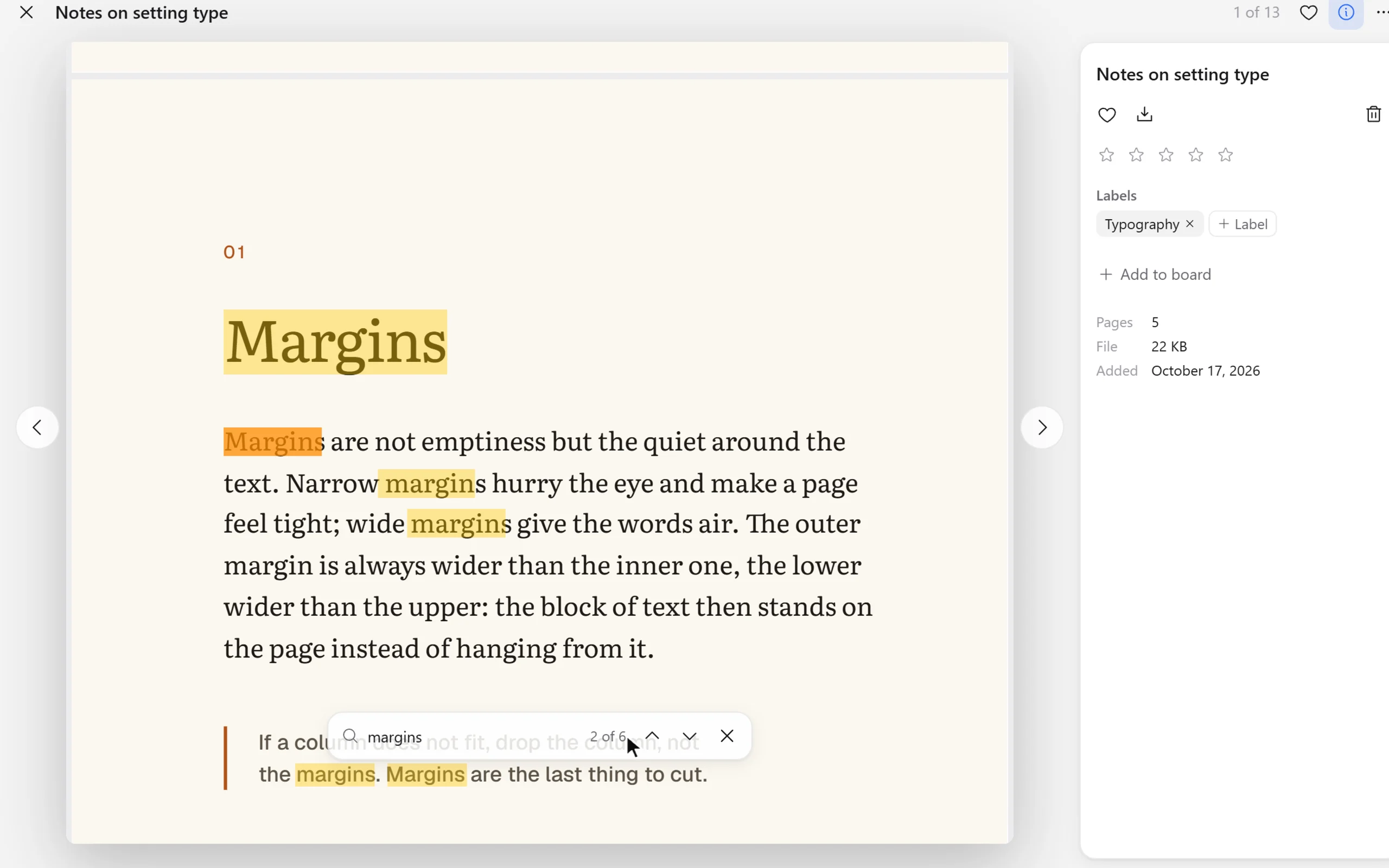
Opened one after another: a PDF with a search through its text, a video with marks on its timeline, a note and a palette
  • Pictures

    Photographs, screenshots, illustrations. With a palette and others like it in colour.

  • Video and sound

    With marks on the timeline: the right moment opens at once.

  • Links

    Sites and articles beside the pictures, not in bookmarks.

  • PDF

    Paged through and searched by its text.

  • Notes and quotes

    A thought is written where the thing that caused it lies.

  • Colours

    A colour and a palette are cards too.

On a phone

The same library, in your pocket

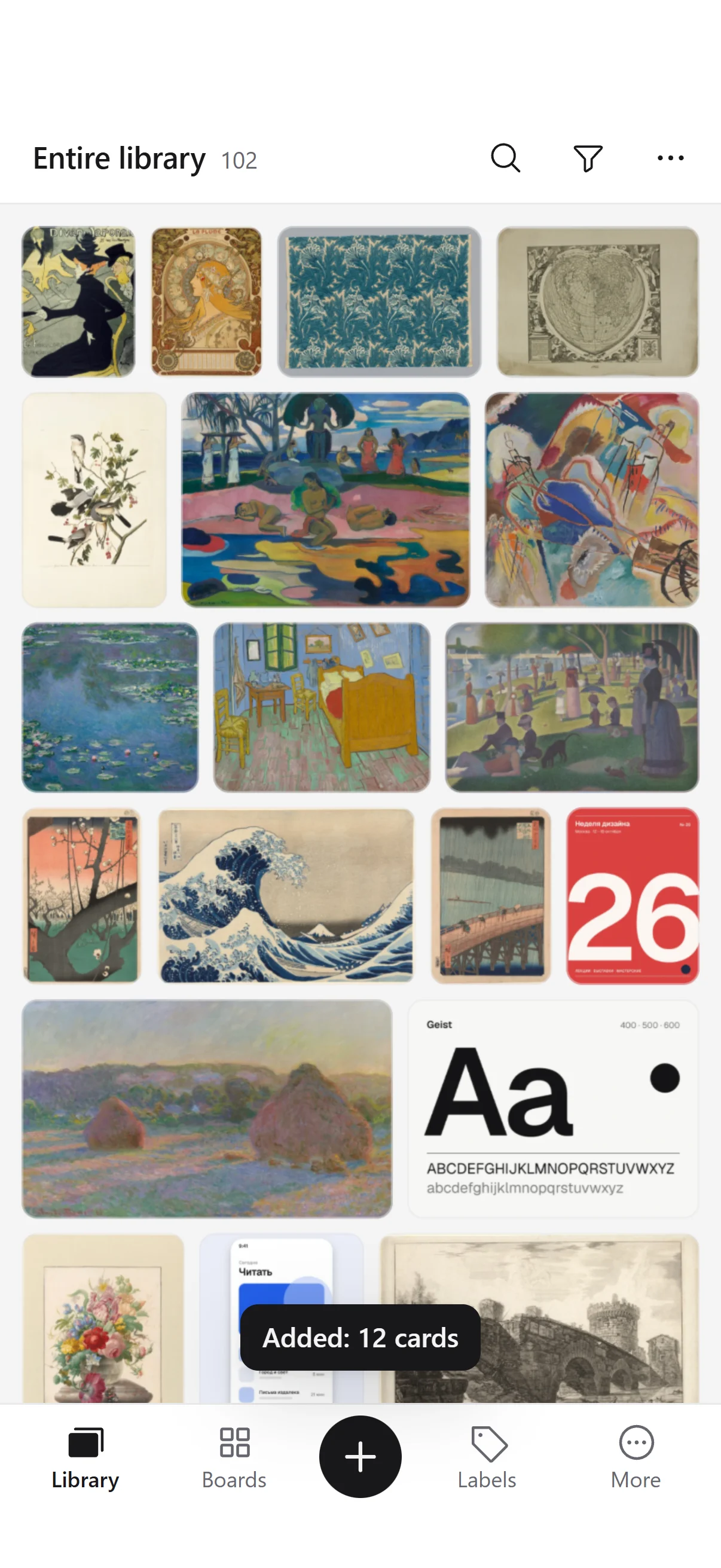
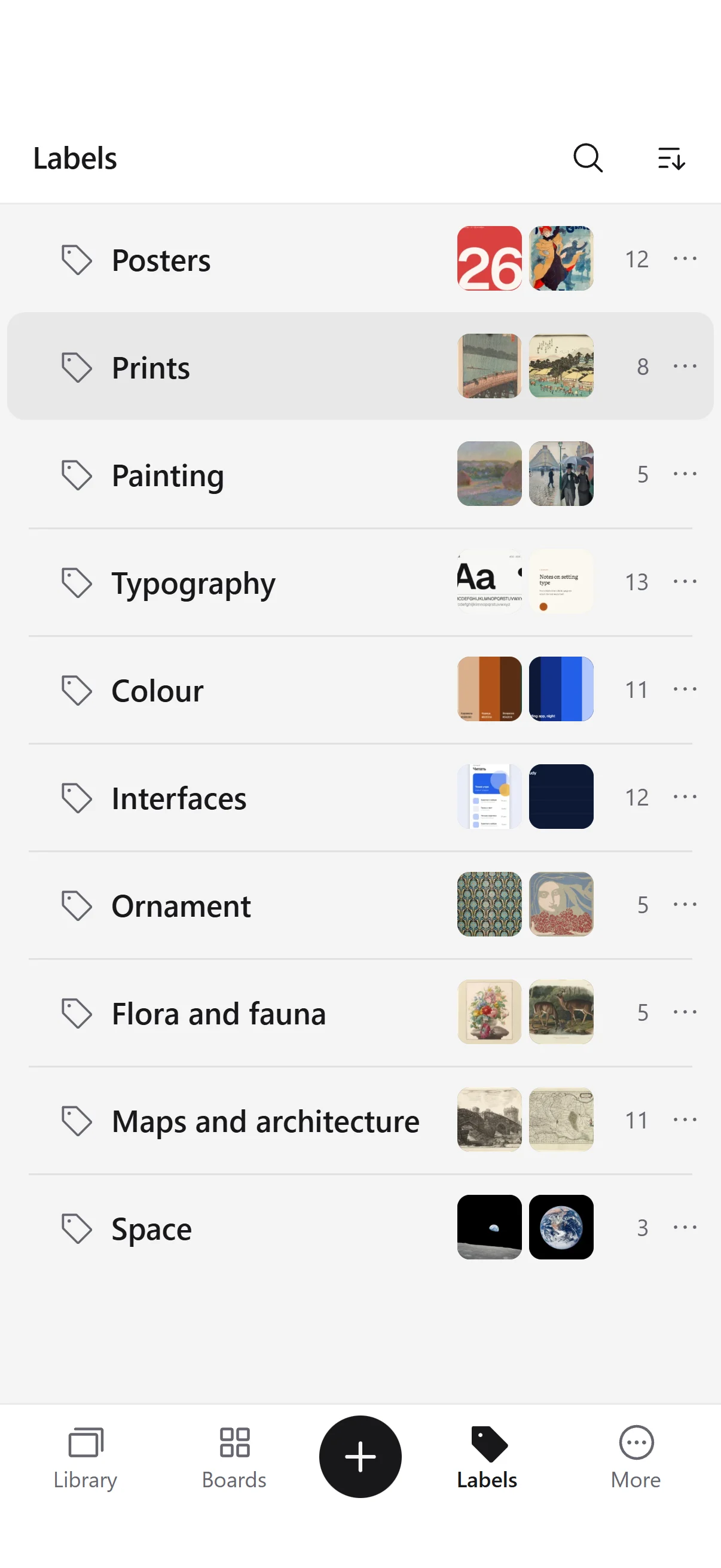
Inspiration opens in the phone’s browser. The grid, the open card and the menus are made for fingers: large cards, sheets from below, gestures.

Inspiration on a phone: the library gathers, a search leaves what is needed, a board opens
A card on a phone opens out of the grid and is zoomed
Labels on a phone: a card is given a label and the label is opened

Dark theme

When only the picture matters

In the dark theme the interface steps back and the colours stay true. The theme and the corners of the cards are in the settings.
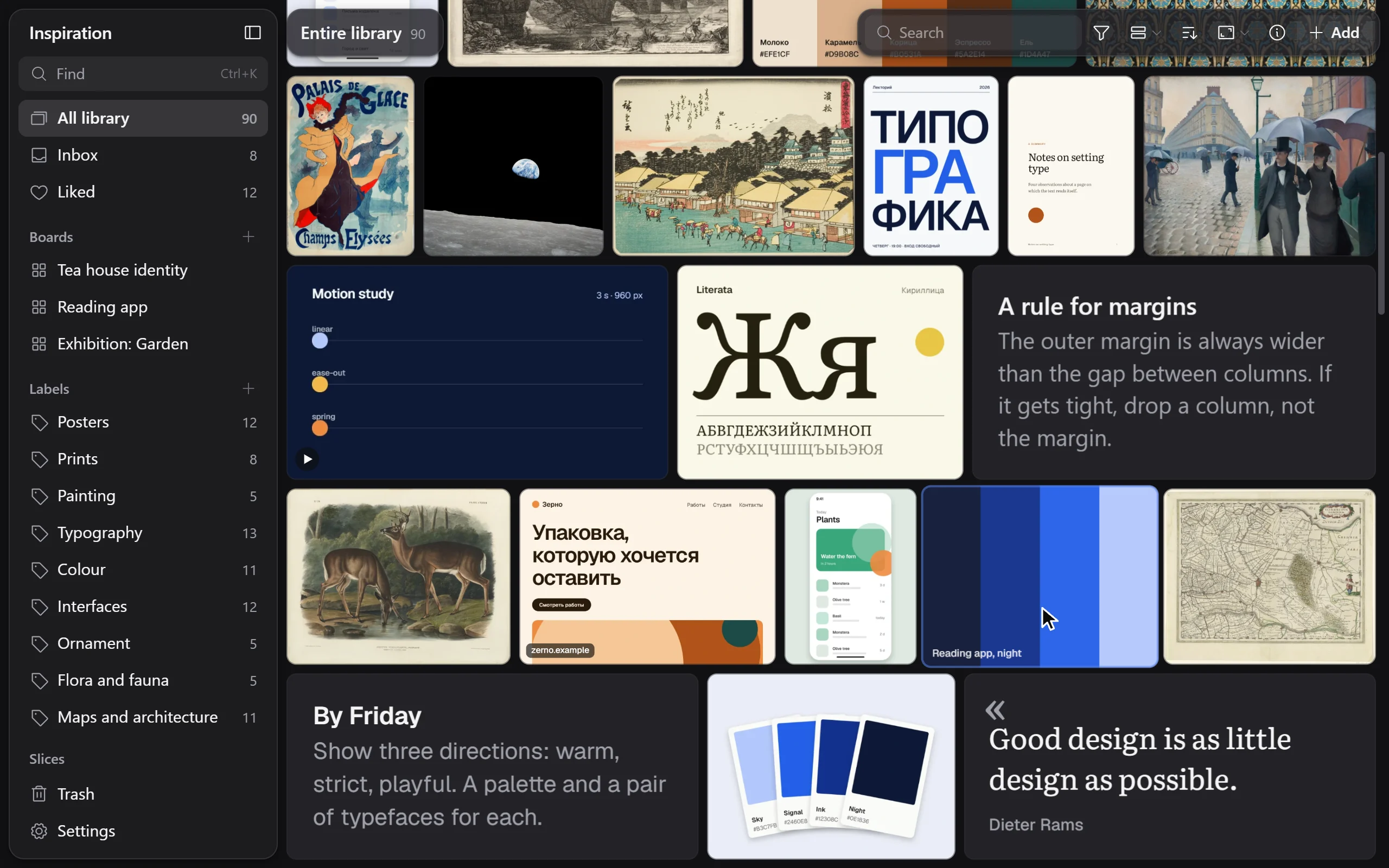
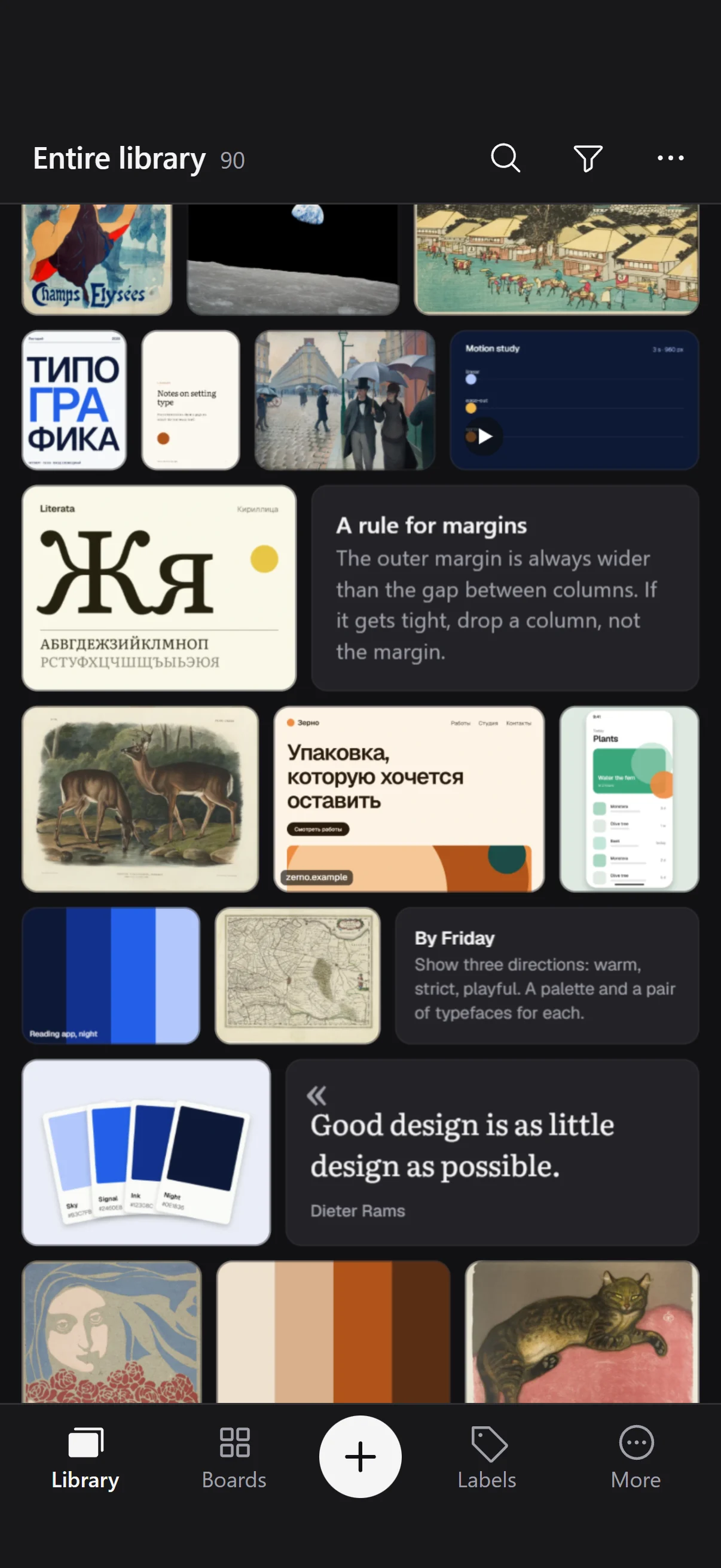
Inspiration in the dark theme: the library is browsed and a card opens

Together

One library for everyone

A shared space is a library people are invited into: family, friends, a team. Everyone has an account of their own, and everyone sees the same thing, at once.
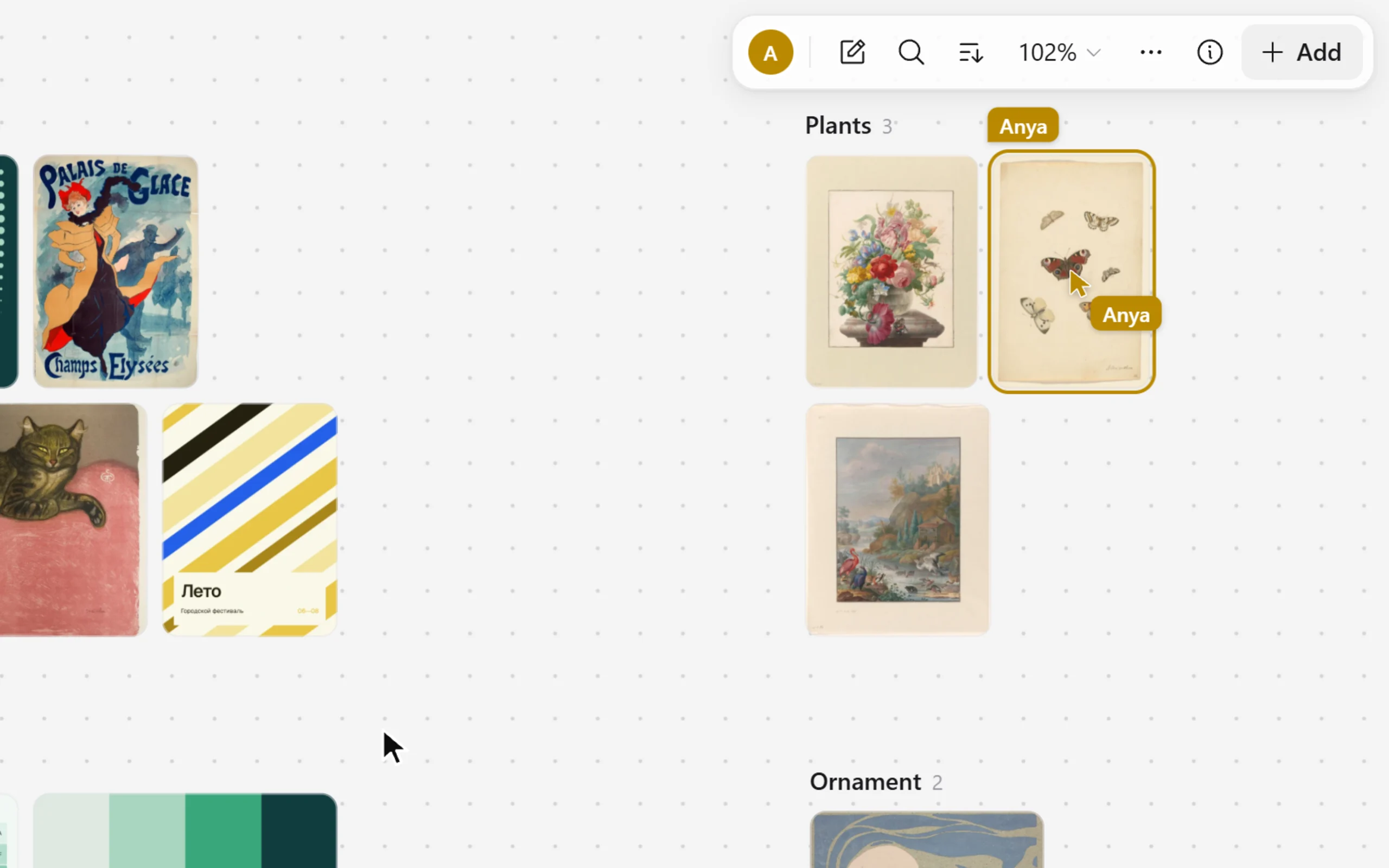
You see who is here
On a board: pointers with names and frames around what someone else has selected.
You can follow a person
One press, and your screen shows what they are looking at.
Everyone has a role
A member adds and changes; a guest only looks and does not see other people’s addresses.
The talk stays with the card
Comments stay beside what they are about.
Another person comes onto the board: their named pointer, a frame around the card they picked and their face in the toolbar

Yours stays yours

You can take the whole library with you

The library is kept in your account and opens on any device. Inspiration does not hold your files hostage.

At once on a new device
After signing in the whole library is there to look through: what you open is downloaded, not everything.
Works without a network
Inspiration starts on a plane too: the library can be browsed and searched, and changes go out when the network is back. The settings can download the whole library to the device.
A copy on disk
In Chrome and Edge the library writes itself into a folder you choose: ordinary files that open without us.
A full archive
Originals, notes and labels are exported as one archive at any time.

Keyboard

Faster than a mouse

Everything that matters is under your fingers. The full list opens in the app itself.

CtrlK
Search and commands
CtrlV
Paste a picture, a link or text
Enter
Open a card
←→
To the neighbouring card
1–5
Switch the view: from grid to list
F2
Rename
CtrlD
Duplicate
CtrlZ
Undo

Plans

Inspiration is free to start, with a small cloud that is yours for good. Paid plans are not available internationally yet.

Free

0₽forever

The whole library on all your devices. A Beenokle account is needed.

  • 500 MB in the cloud — about 700 pictures
  • Sync across devices
  • Boards, labels, search by text and colour
  • Shared spaces: for family, friends and a team

Where Inspiration runs

Browser

Any modern browser on a computer, a tablet and a phone.

Openinspiration.beenokle.ru

Separate apps

There are none yet: Inspiration works entirely in the browser.

Questions

Start with what you have already saved

Drop a folder of references into the window — and look at it anew.

Open Inspiration