How to open a 3MF file
3MF is a 3D printing format that, unlike STL, stores its units, so sizes are right from the start. You can open it in your browser with Beenokle Model, free and without signing up.
Free, no sign-up. The file is not uploaded anywhere: the model opens on your own computer.
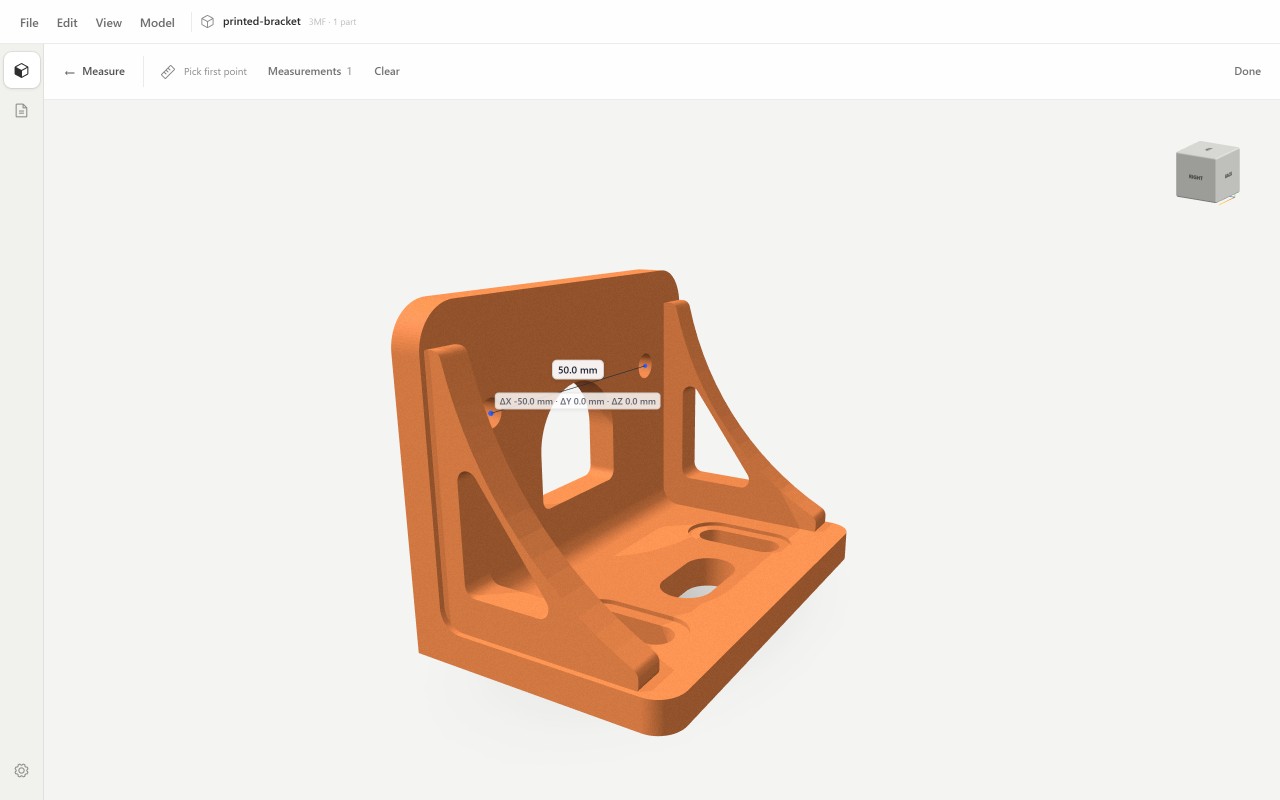
How to open it
- Open model.beenokle.ru — nothing to install. On Windows you can install the app instead.
- Drag the .3mf file into the Model window, or pick it on your computer.
- The model opens in its own units: measure in millimetres straight away.
What you can do next
- Measure between points, edges and hole centres — in millimetres, centimetres, metres or inches.
- Look inside with a section and check wall thickness before printing.
- View the model from every side and save a useful angle as a view.
- Lay out a drawing with dimensions and export it to PDF.
Good to know
- Model shows and measures the file but does not prepare it for printing: slicing needs a slicer.
- The file is not sent anywhere; everything happens on your computer.