How to open a STEP file online
STEP (.step, .stp) is the format CAD systems use to exchange models. You do not need SolidWorks or any other CAD to look at one: Beenokle Model opens STEP right in your browser, free and without signing up.
Free, no sign-up. The file is not uploaded anywhere: the model opens on your own computer.
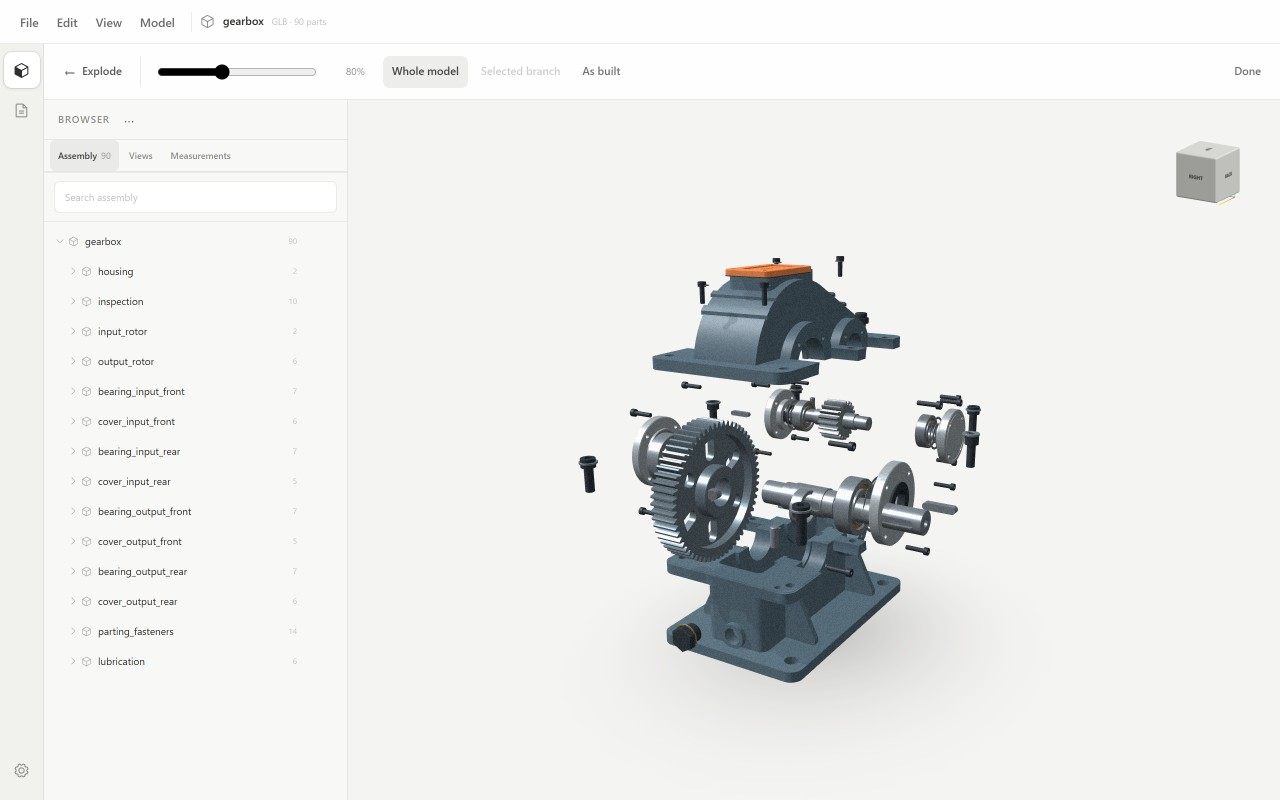
How to open it
- Open model.beenokle.ru — nothing to install. On Windows you can install the app instead.
- Drag the .step or .stp file into the Model window, or pick it on your computer.
- The assembly opens with its tree, part names and colours from CAD.
What you can do next
- Find your way around the assembly: the tree follows the CAD structure, and a part can be found by name, hidden or isolated.
- Measure exactly: radius, diameter, length, area and volume of faces and edges come from the exact geometry in the file, not from a triangle mesh.
- Look inside with a section along an axis, a box or any plane.
- Explode the assembly, build a parts list and lay out a drawing to ISO or GOST.
Good to know
- Model works with finished geometry: you cannot edit a part and save the STEP back. It is not a CAD editor.
- The file is read on your computer, so a large assembly takes a moment to open.