View STL files online
STL is the most common format for 3D printing. Beenokle Model opens it in your browser, free and without signing up: look at the model from every side, check its size before printing, look inside.
Free, no sign-up. The file is not uploaded anywhere: the model opens on your own computer.
How to open it
- Open model.beenokle.ru — nothing to install. On Windows you can install the app instead.
- Drag the .stl file into the Model window, or pick it on your computer. Nothing else is needed to view it.
- If physical size matters, choose the units: mm, cm, m or inches. An STL file only stores numbers.
What you can do next
- Turn and zoom the model, and jump to the standard views with one click.
- Measure before printing: snaps to vertices, edges and hole centres, the distance and ΔX, ΔY, ΔZ.
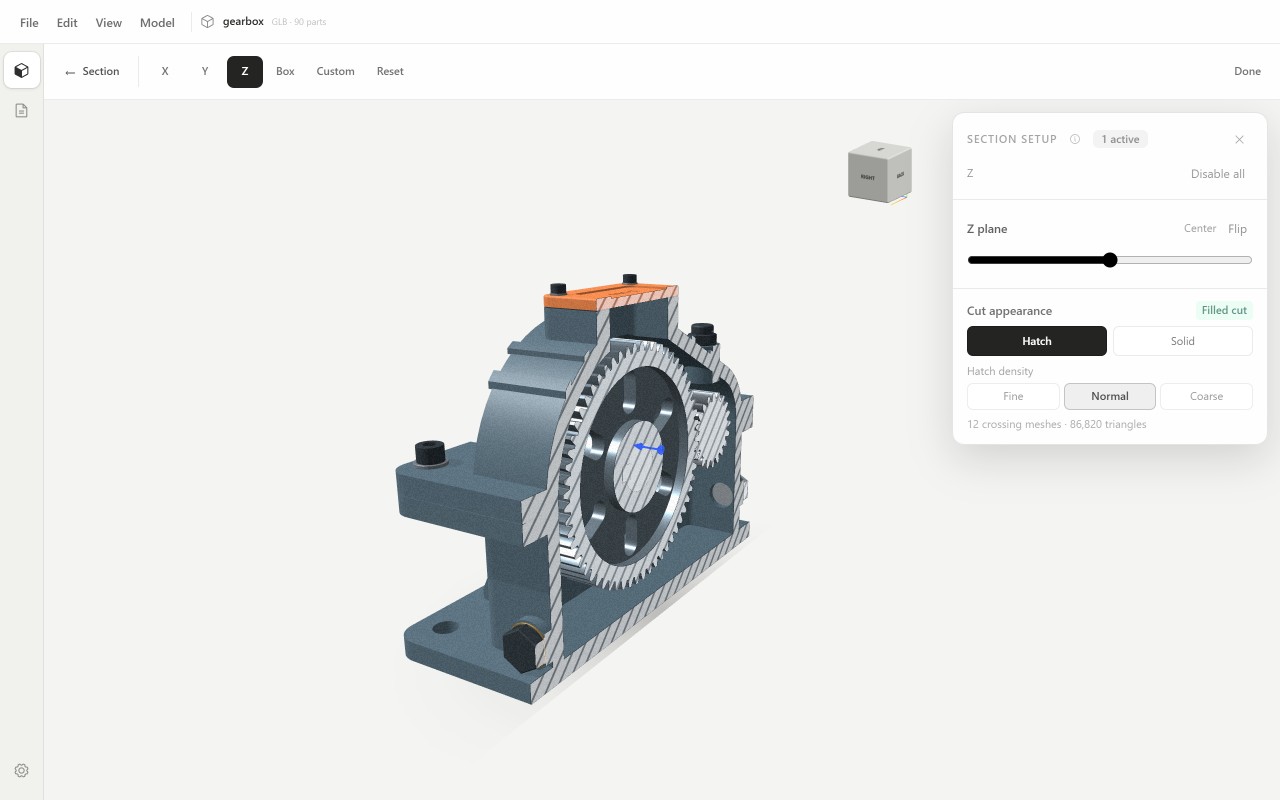
- Cut a section and check the walls from the inside.
- Keep measurements and views in a project to come back to later.
Good to know
- An STL is a triangle mesh without materials, so measurements are as accurate as the mesh in the file.
- Model shows and measures: it cannot repair an STL or slice it for printing.