View GLB and glTF files online
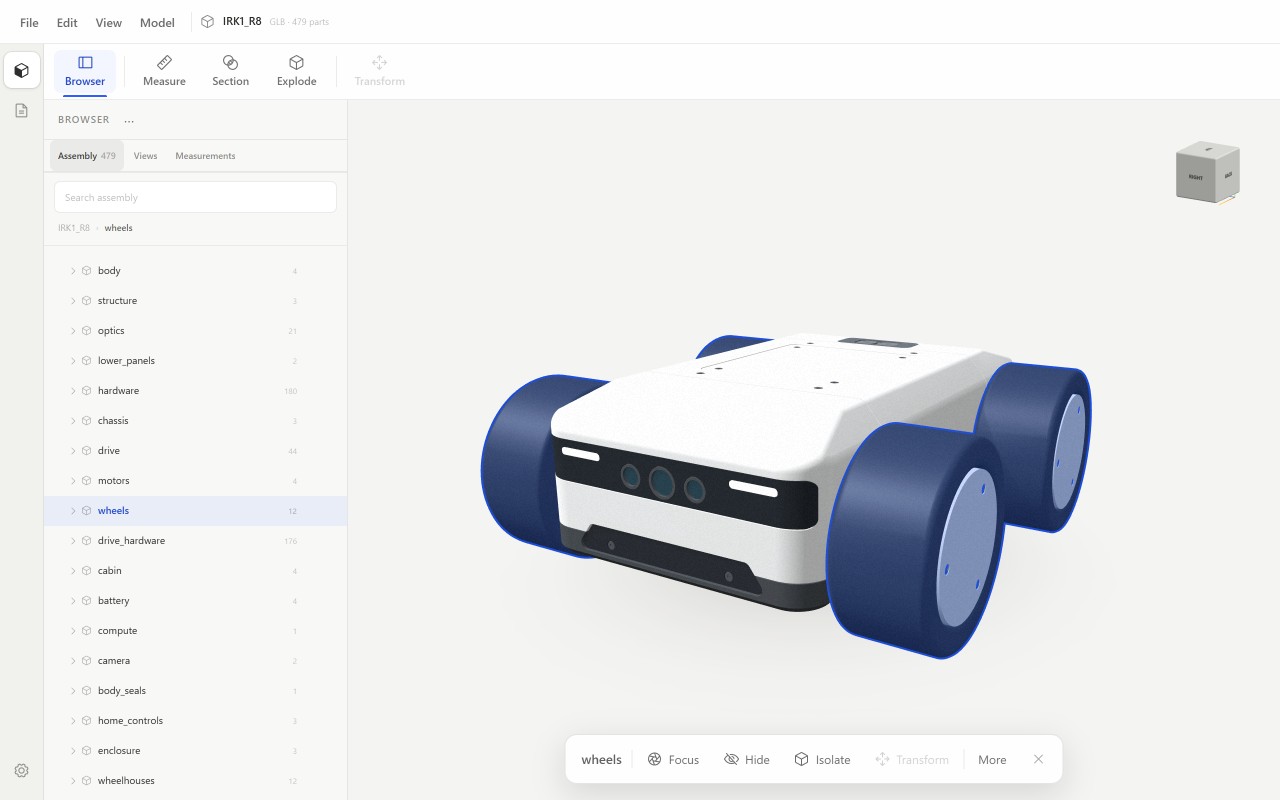
GLB and glTF are formats for 3D scenes and models on the web and for exchange. Beenokle Model shows them in your browser with the scene structure, materials and colours — free and without signing up.
Free, no sign-up. The file is not uploaded anywhere: the model opens on your own computer.
How to open it
- Open model.beenokle.ru — nothing to install. On Windows you can install the app instead.
- Drag the .glb or .gltf file into the Model window, or pick it on your computer.
- The scene opens with its object tree and the materials from the file.
What you can do next
- Go through the scene structure: nodes and objects in the tree, search by name, hide or isolate.
- Measure objects and the distances between them.
- Cut a section and explode the objects to see how everything fits.
- Switch between perspective and orthographic, and pick a standard view.
Good to know
- A text glTF opens when all its resources are embedded in the file. If separate .bin files and textures sit next to it, use GLB — it keeps everything in one file.
- Model shows the scene but does not edit it: you cannot change objects and save the file back.